Process Email Notifications
Adding Email Alerts to a Source
Open the source and expand the Alerts parameter block.
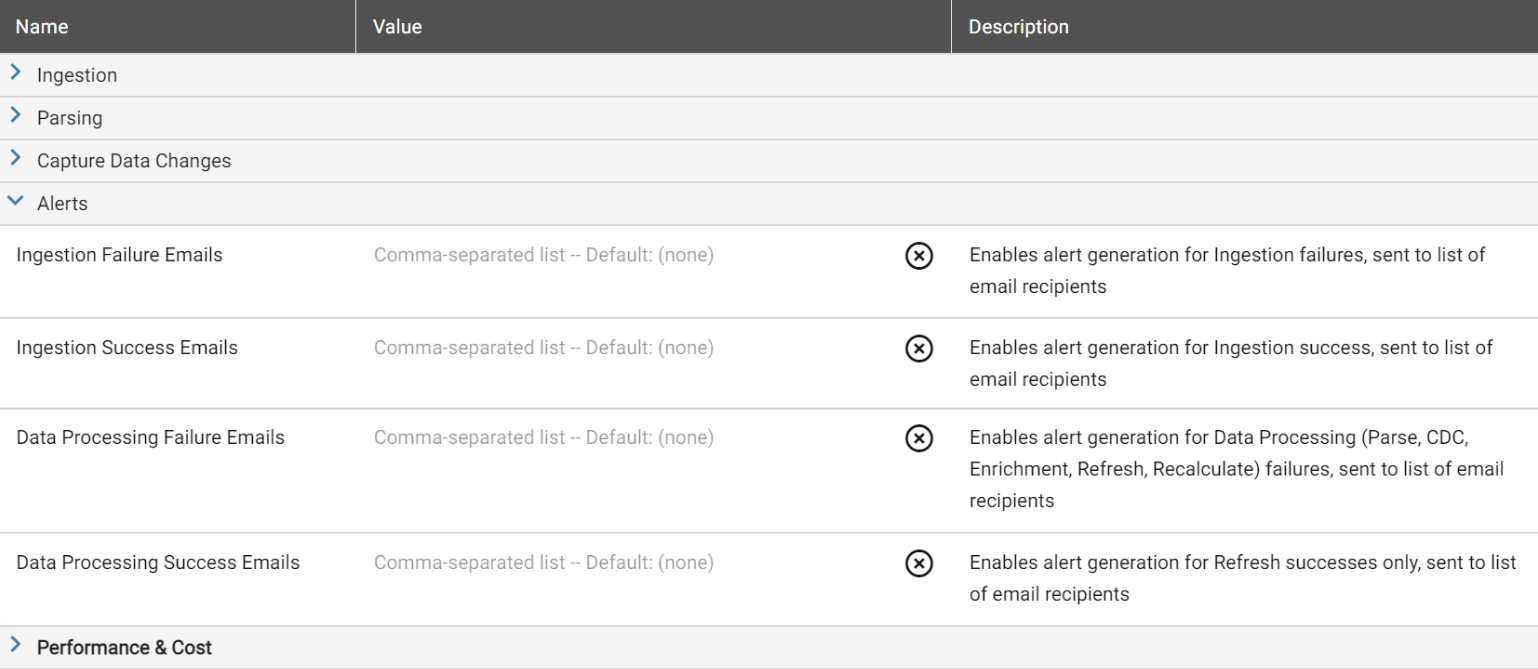
Enter destination email addresses in one or more of the alert fields: Ingestion Failure Emails, Ingestion Success Emails, Data Processing Failure Emails, or Data Processing Success Emails. Separate multiple addresses with commas.
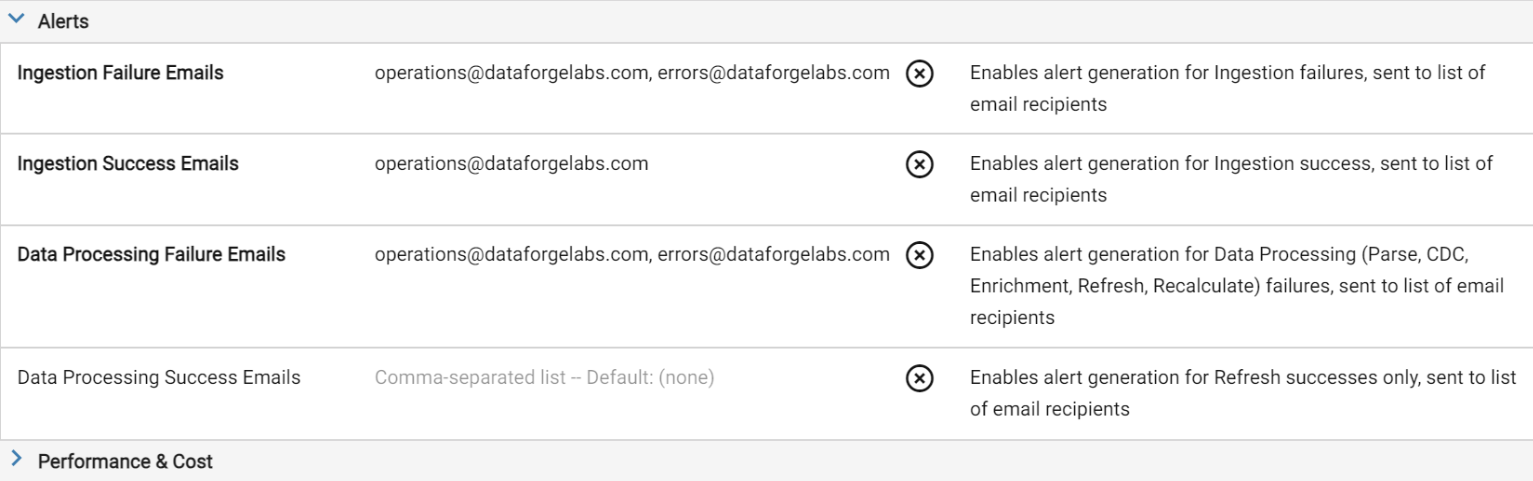
Save the source. DataForge will send emails for each configured step.
Adding Email Alerts to an Output
Open the output, expand Output Alerts, and configure email addresses the same way.