Process Alerts - Configuring SMTP Email Notifications (AWS)
SMTP email alerts are configured via Terraform and Source/Output settings. Only one SMTP server per environment is supported, but addresses are unlimited.
Any SMTP host that has a public endpoint accessible on ports 587, 465, or 25 and username/password authentication can be used. Two examples of cloud partnered services are Amazon Simple Email Service and Twilio Sendgrid on the Azure Marketplace.
Amazon Simple Email Service: https://docs.aws.amazon.com/ses/latest/dg/setting-up.html
Azure Marketplace Twilio Sendgrid: https://docs.sendgrid.com/for-developers/partners/microsoft-azure-2021
Add SMTP parameters to Terraform workspace
In the Terraform workspace, go to Variables and add: smtpHost, smtpSenderDomain, smtpUsername, smtpPassword. Optionally add smtpPort if different from the default of 587.

smtpSenderDomain — the domain the email will be sent from. The sender address follows the pattern <environment>-idoalerts-<client>@<smtpSenderDomain>. For example, with environment "Production", client "DO", and domain "dataforge.com", alerts send from Production-idoalerts-DO@dataforge.com.
smtpHost — the SMTP host address (AWS: Simple Email Service; Azure: Sendgrid).
smtpUsername — the SMTP user's username in the hosting service.
smtpPassword — the SMTP user's password.
smtpPort — email port; defaults to 587.
After applying Terraform, run the Deployment container once to configure SMTP settings in the Postgres metastore. Alerts are ready after successful Deployment.
Adding Email Alerts to a Source
Open the Source's Alerts parameter block.
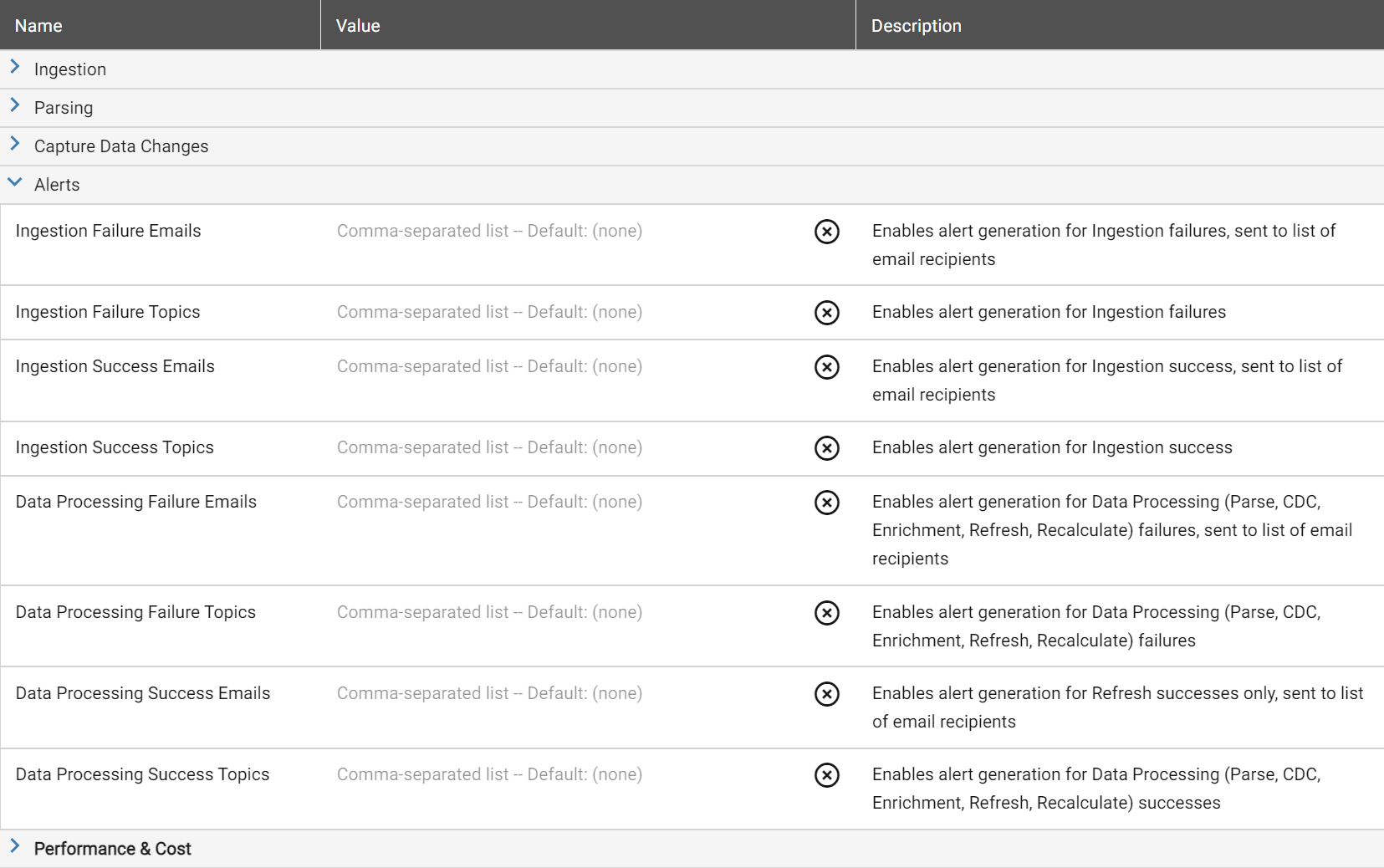
Add email addresses to one or more alert types. Multiple addresses can be comma-separated.
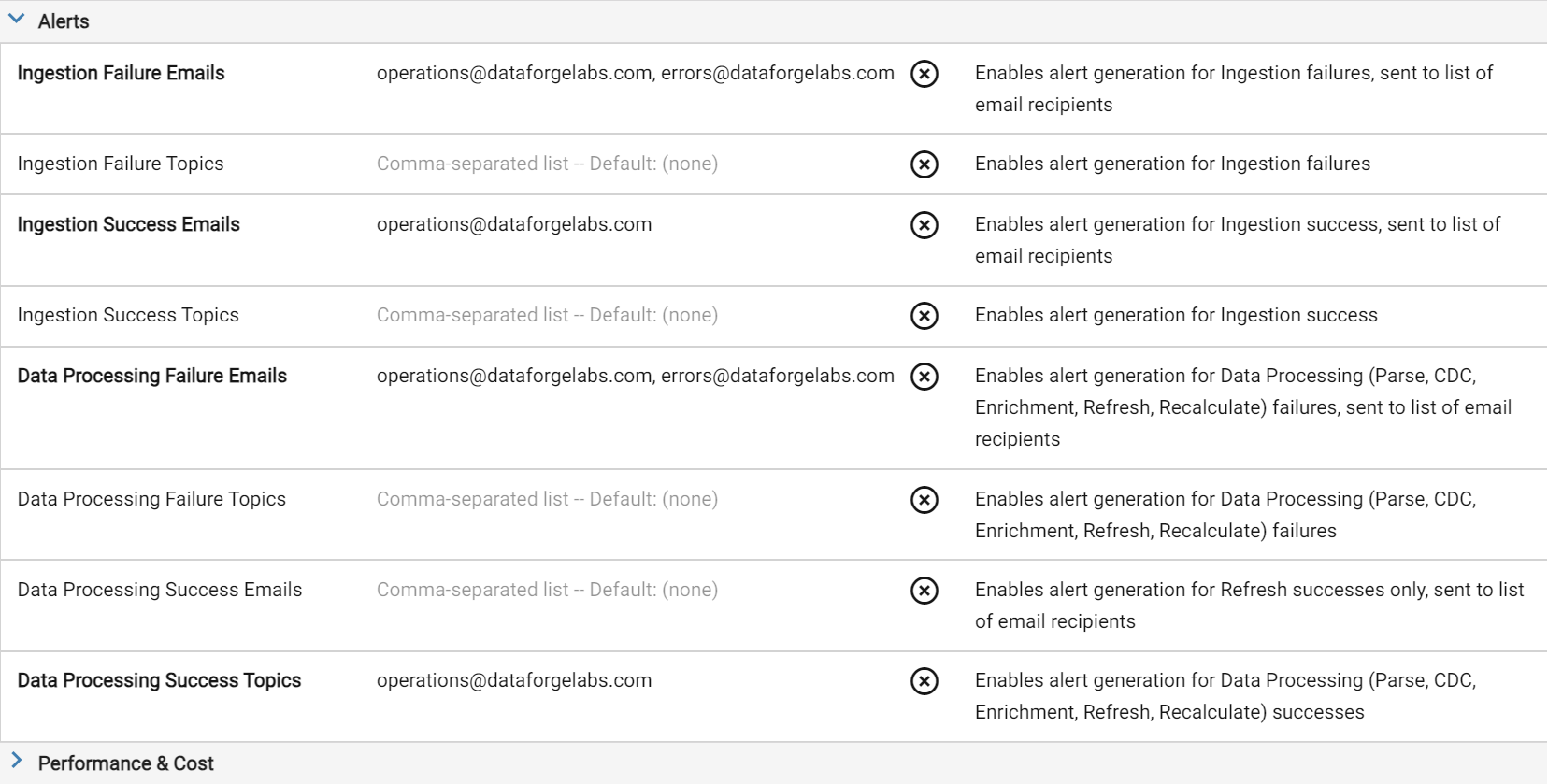
Once saved, alerts will send to the configured addresses.
Adding Email Alerts to an Output
Open the Output's Output Alerts parameter block and configure email addresses the same way.