Groups
Groups bundle together related Sources.
Groups go by many names in different organizations — Hubs, Companies, Targets, etc. In DataForge, a Group is a self-contained bundle of Sources.
In the example seen on the Overview page there were two groups, Company 1 and Company 2. Each "Company" is separate and never relates directly to the other.
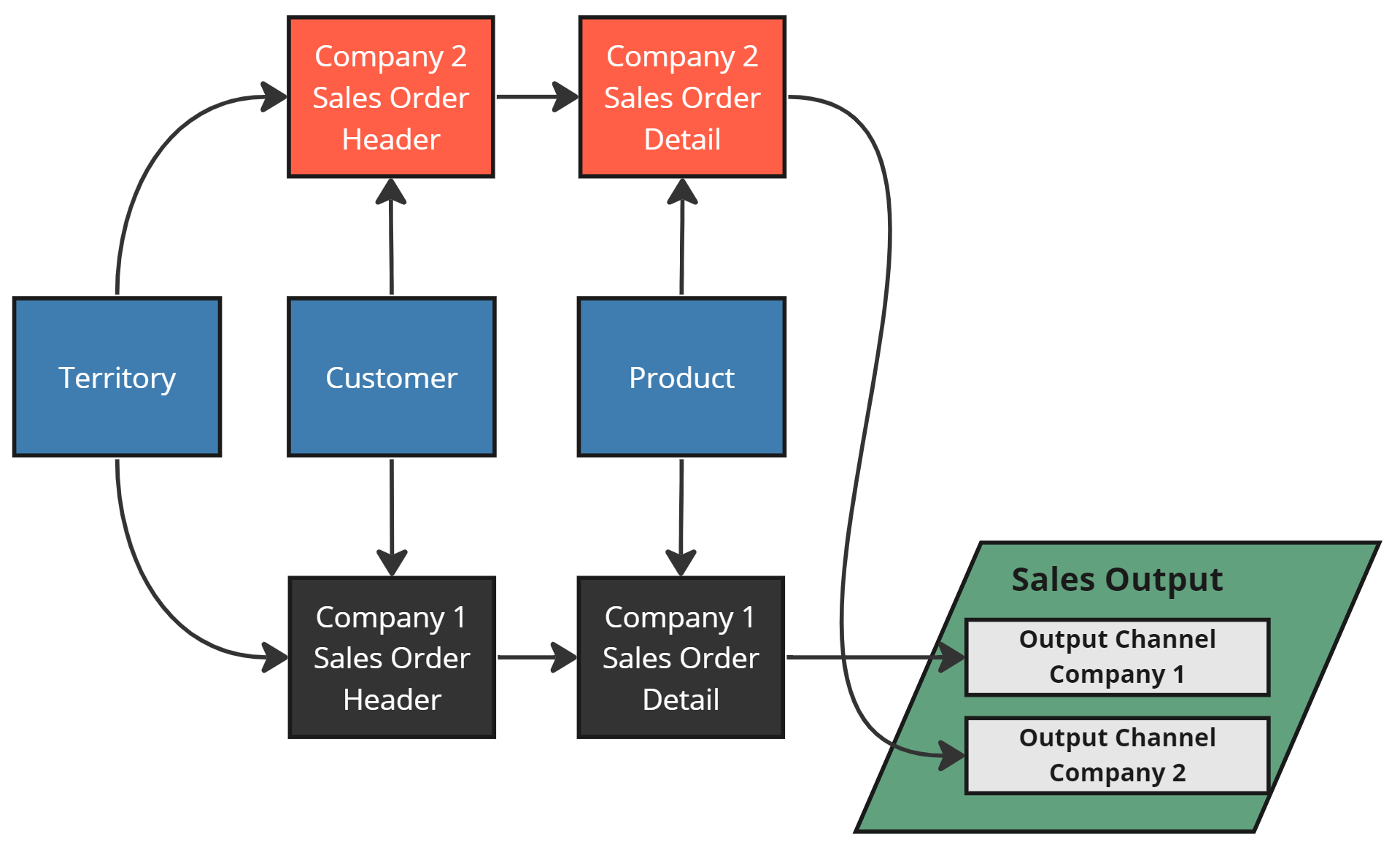
Two Groups of Sources with a few shared Related Sources
Making A Group
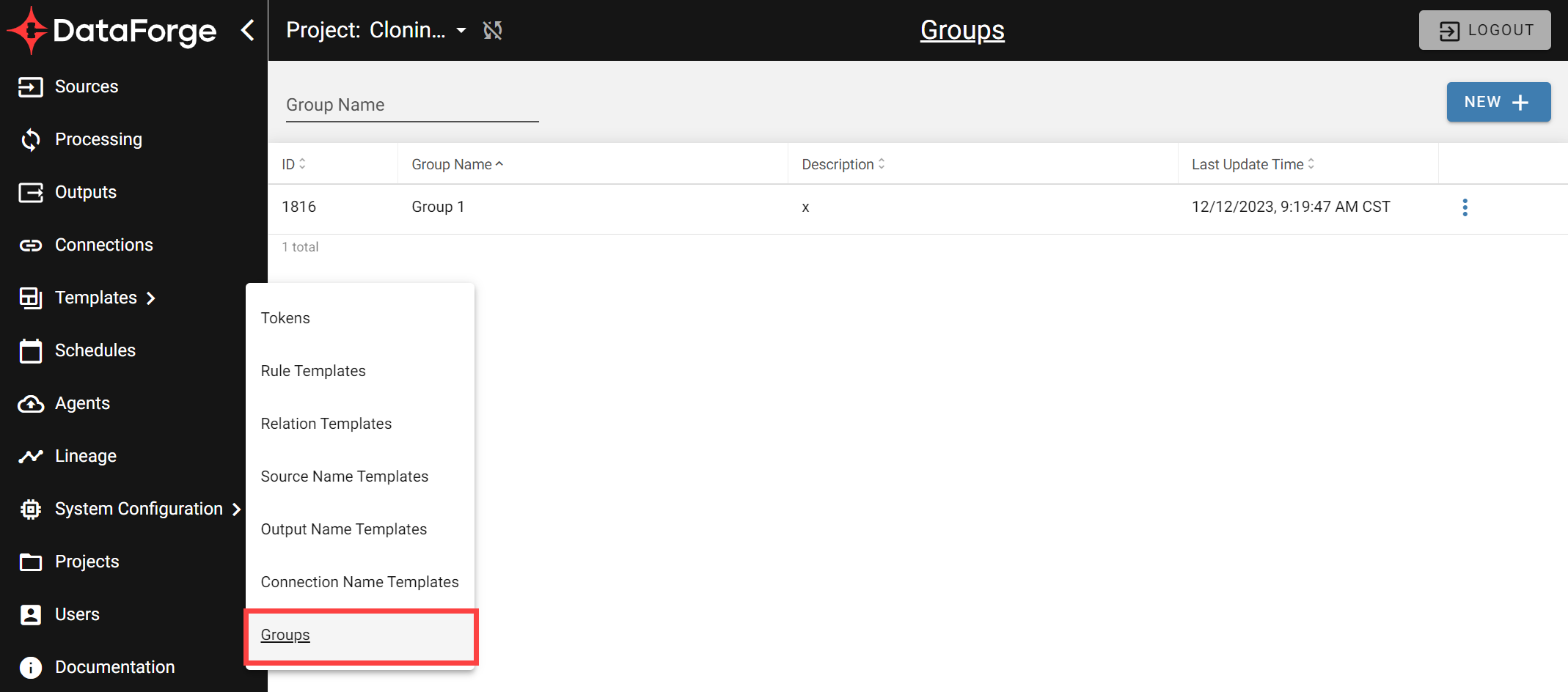
Navigate to Main Menu → Templates → Groups.
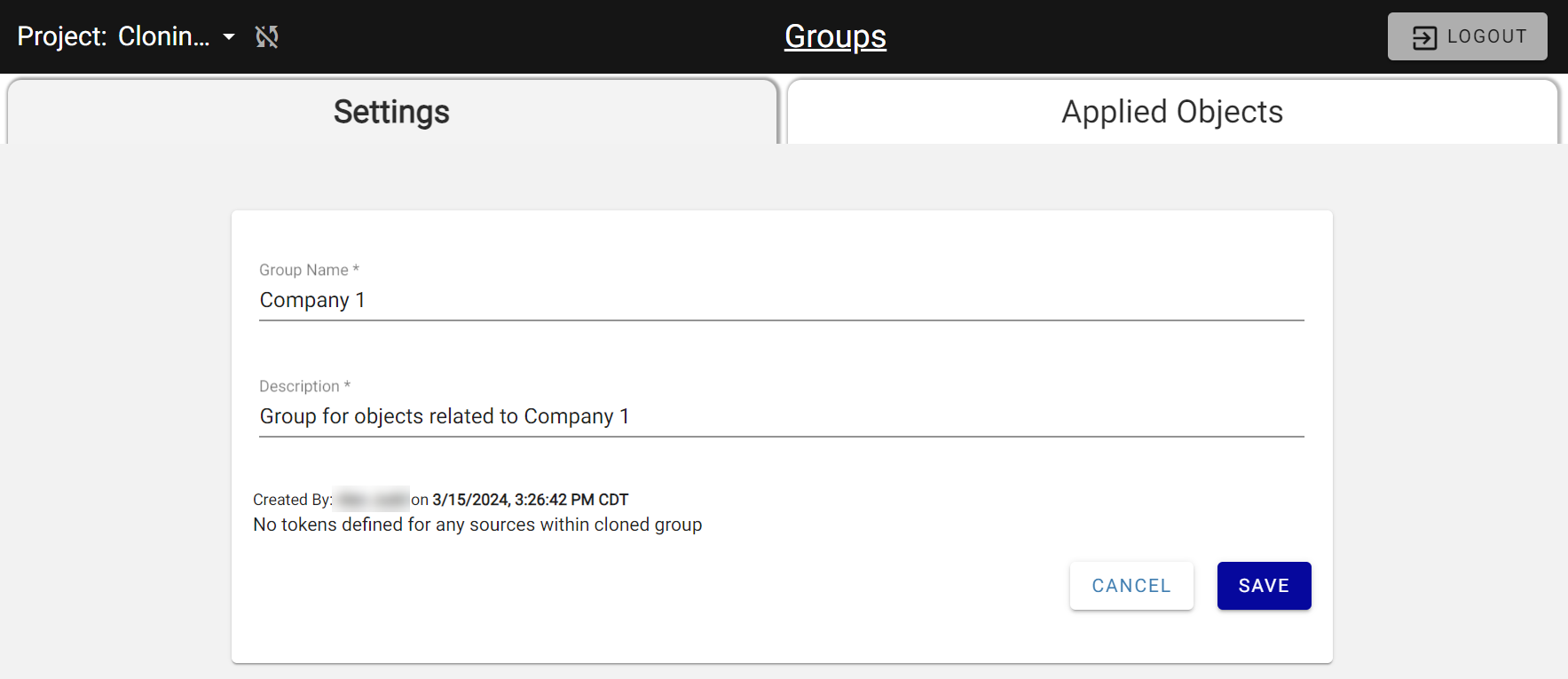
A Group has only two fields: Name and Description. Below, we create a Group named "Company 1".
Applying A Group To A Source
Apply a Group to a Source using the Group field on the Source Settings page. In the Company 1 example, both the Sales Order Detail and Sales Order Header sources belong to the Company 1 Group.
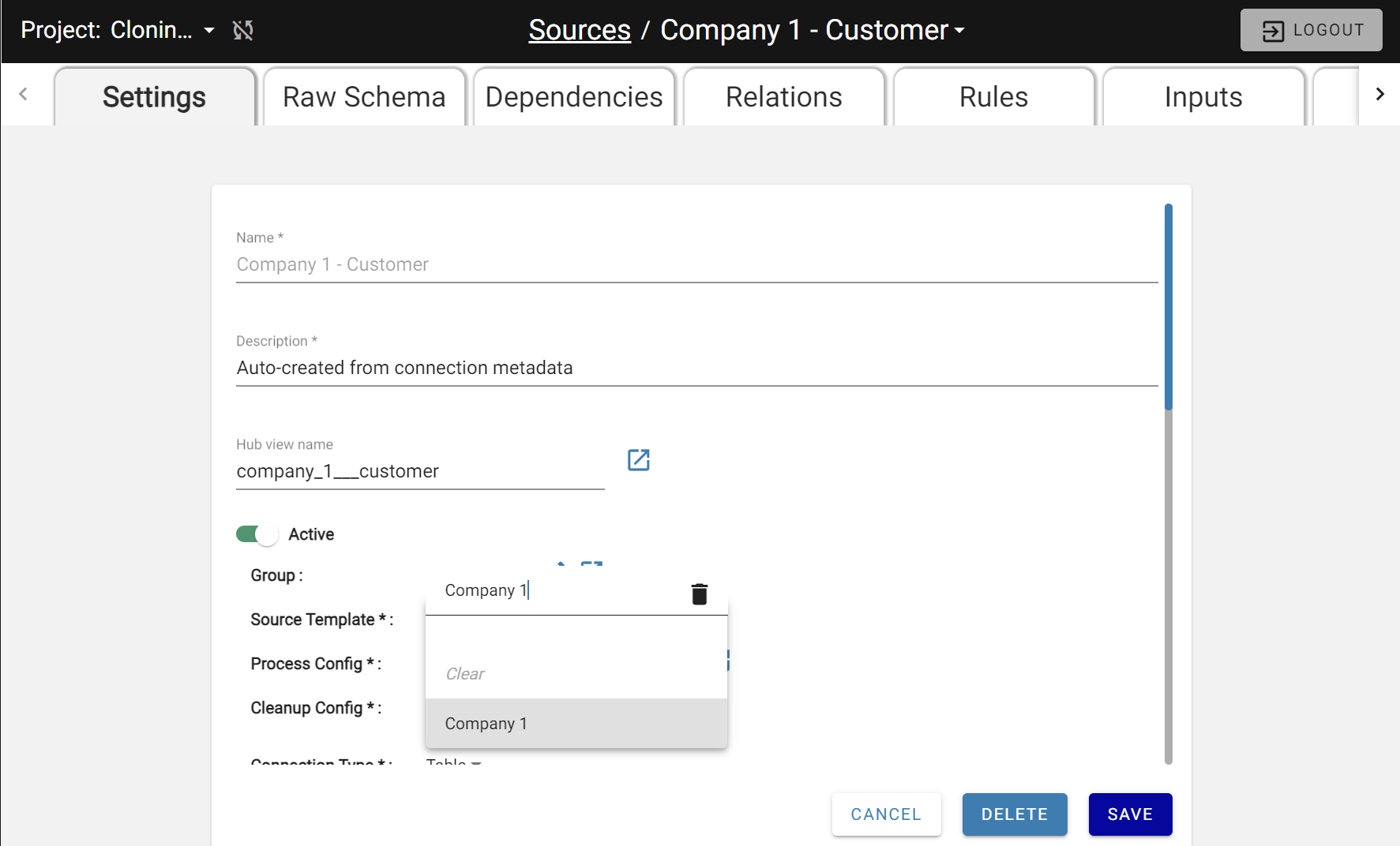
Applying the Company 1 Group to a Source
Cloning operates at the Group level — all objects inside a Group are recreated under the new Group. The next section covers Source Name Templates, which dynamically insert the Group name into Source names.
Cloning a Group
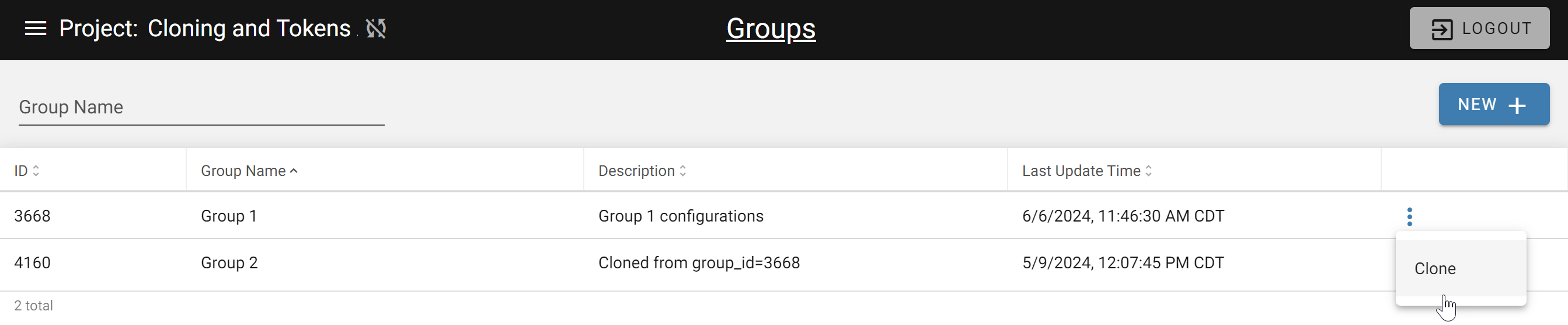
A Group can be cloned from the Groups page using the options menu on the Group record.
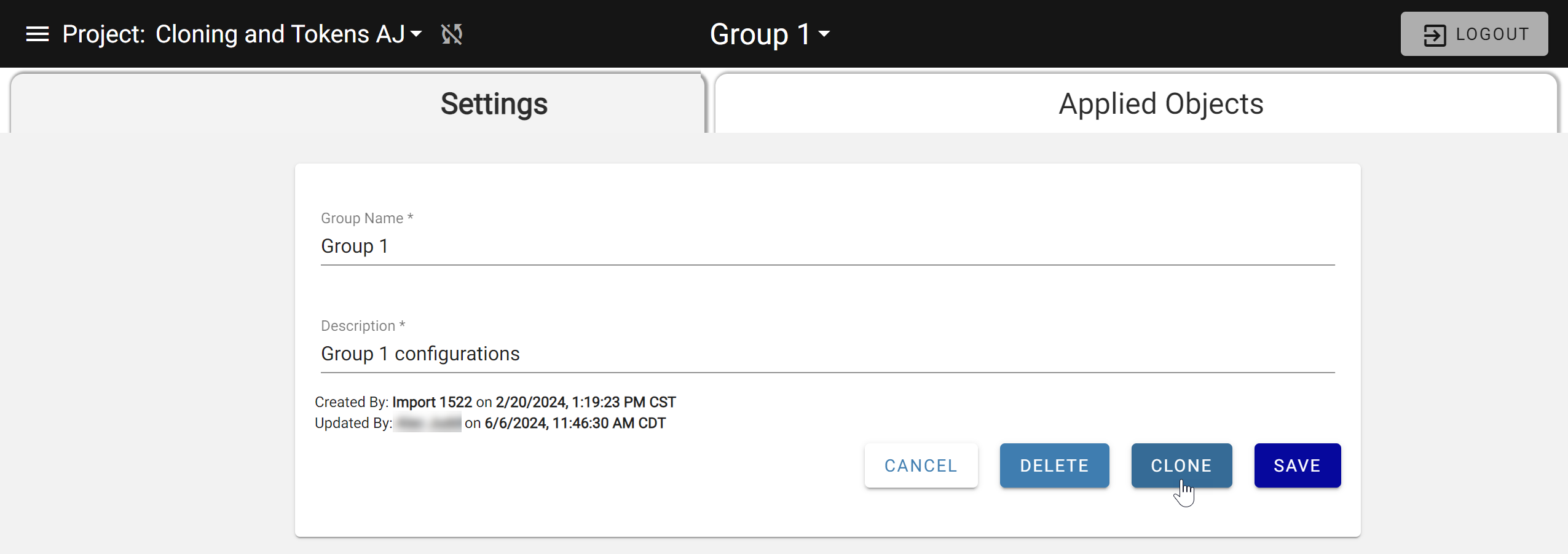
A Group can also be cloned from the Group settings page.
Deleting a Group
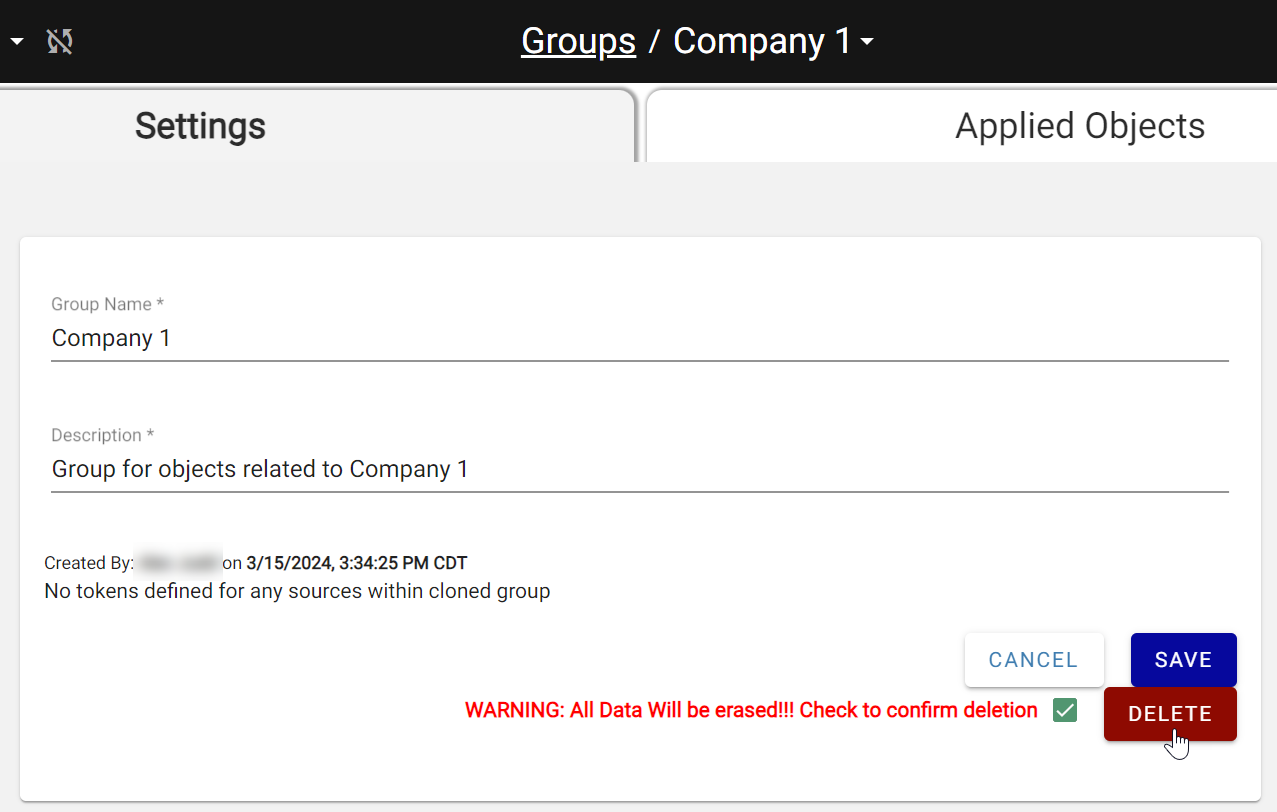
Deleting a Group deletes all attached objects. To preview what will be deleted, check the Applied Objects tab first. Open the Group from Main Menu → Templates → Groups and click Delete.
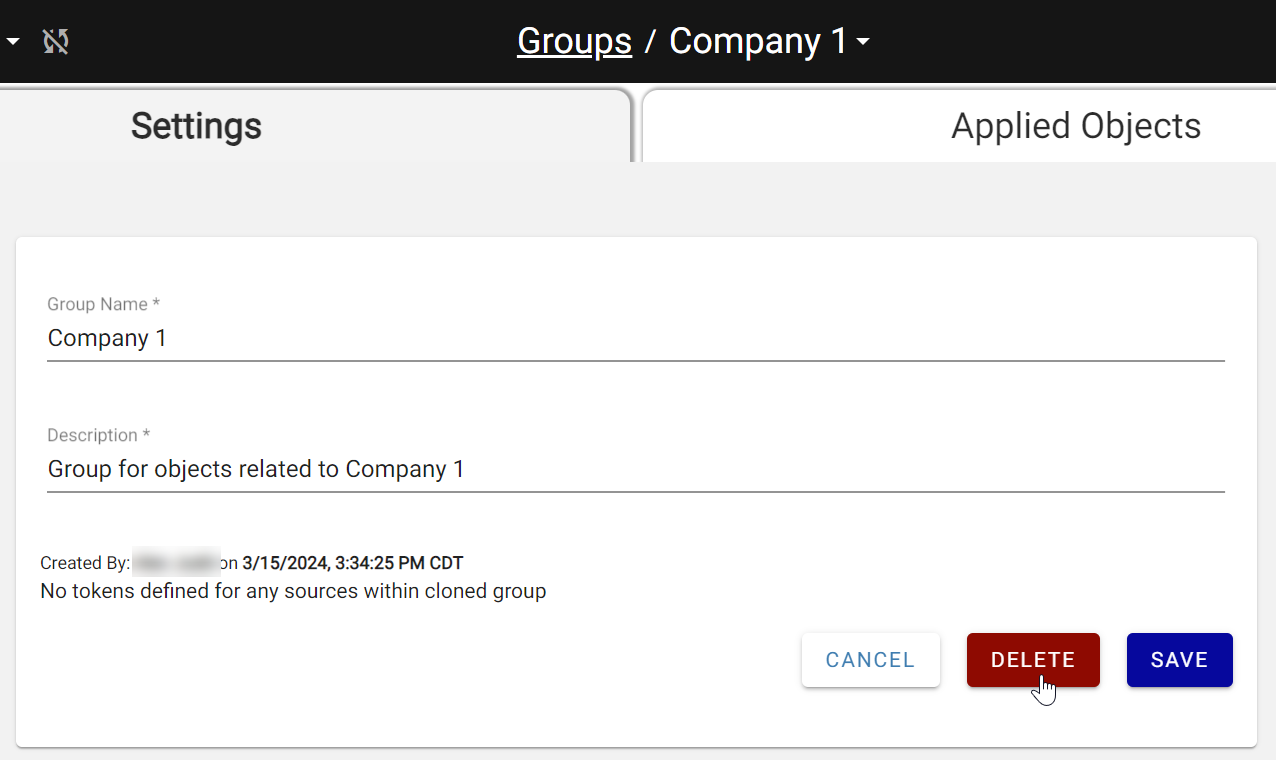
Confirm the first warning, then retype the Group name in the final confirmation box and click YES.