Logs
UI Logs
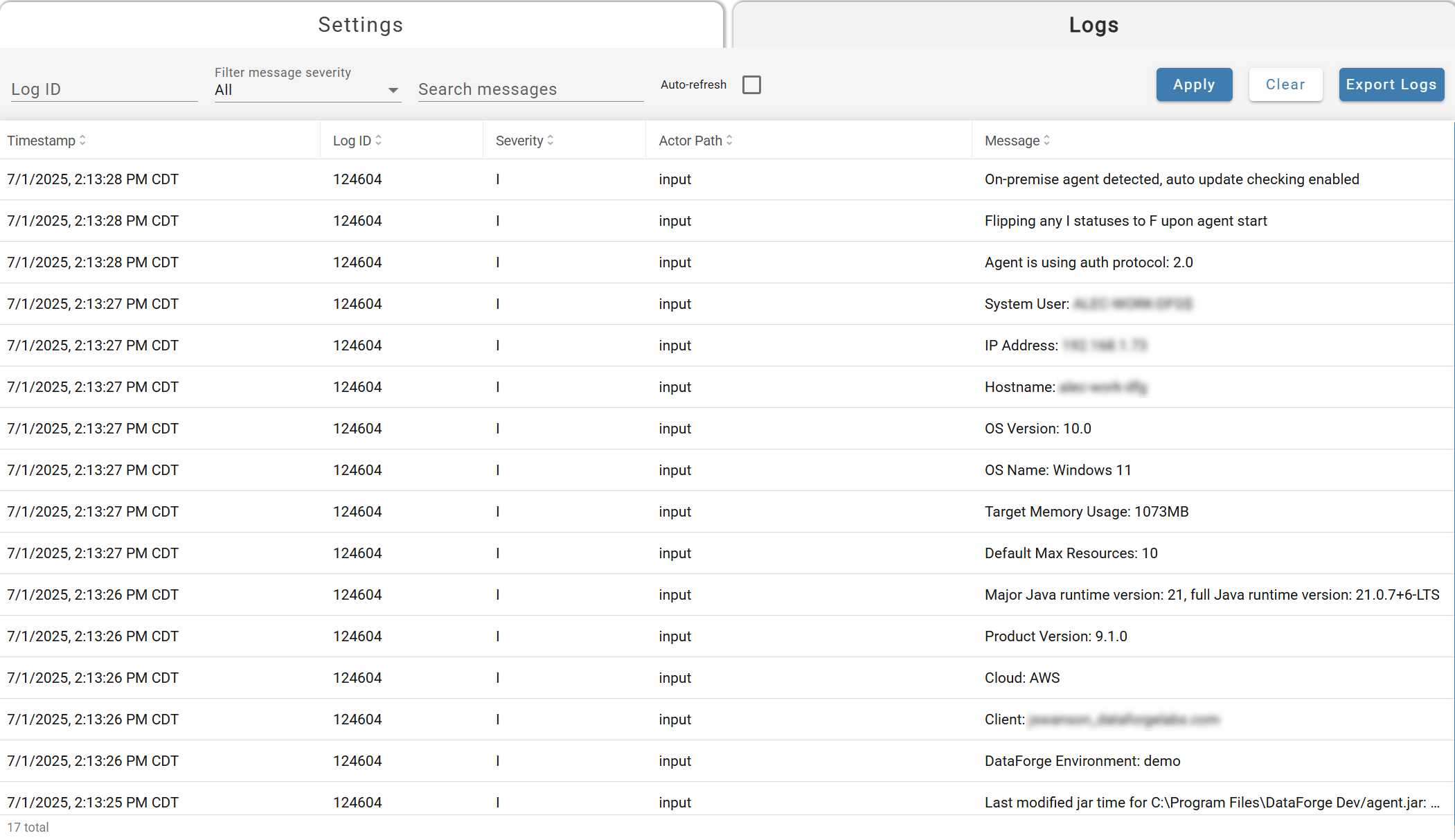
Outcrop, the DataForge agent that runs inside your network, writes logs that can be found in the UI by clicking on the Logs icon on the Agents screen (shown as Agent in the DataForge UI). Logs can be filtered by Log ID, severity, and can also be searched by message content. The logs can also be set to auto refresh on the page, so rolling logs can be watched. Logs will contain the scheduling messages, Ingestion processing messages, errors, and can be used to follow Outcrop processing and health.
On-Premise Logs
On-premise Outcrop logs can be found in the C:\logs\dataforge path on the host machine that Outcrop is installed on. These logs will contain similar content to the logs in the UI, however, these logs can be useful to troubleshoot or debug system level crashes that may terminate Outcrop before it can write to the database.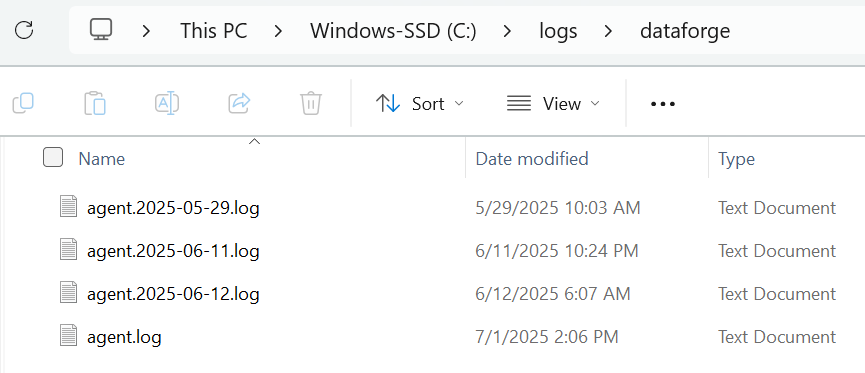
Agent.log will be the current log file for the day, and will roll over each day - saving 15 days of logs by default. The plugin folder will contain the logs from the plugin processes, if they are configured to run on the host machine. The plugin logs follow a similar structure to the main Outcrop logs.