AWS Cloudwatch Monitoring
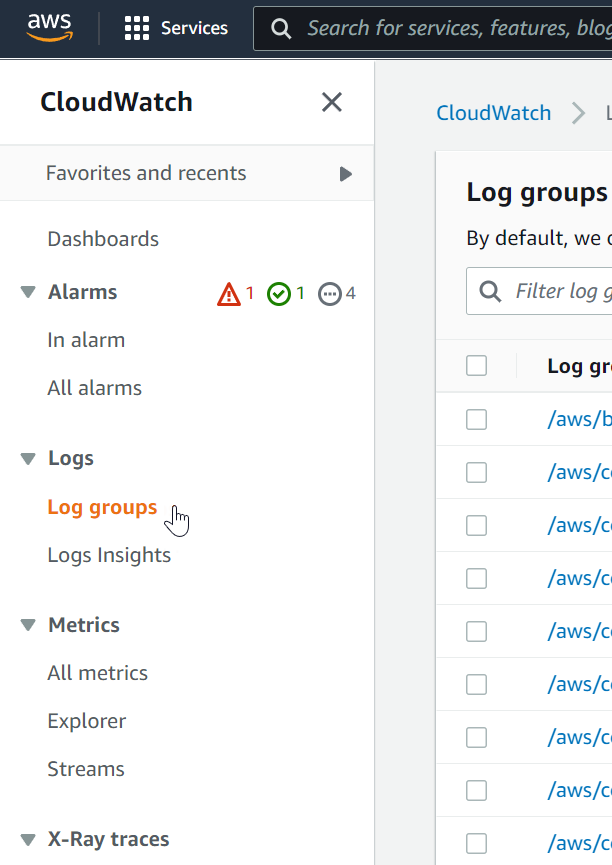
After deployment, monitoring and logging are available in CloudWatch. Open AWS CloudWatch and navigate to Log Groups in the left panel.
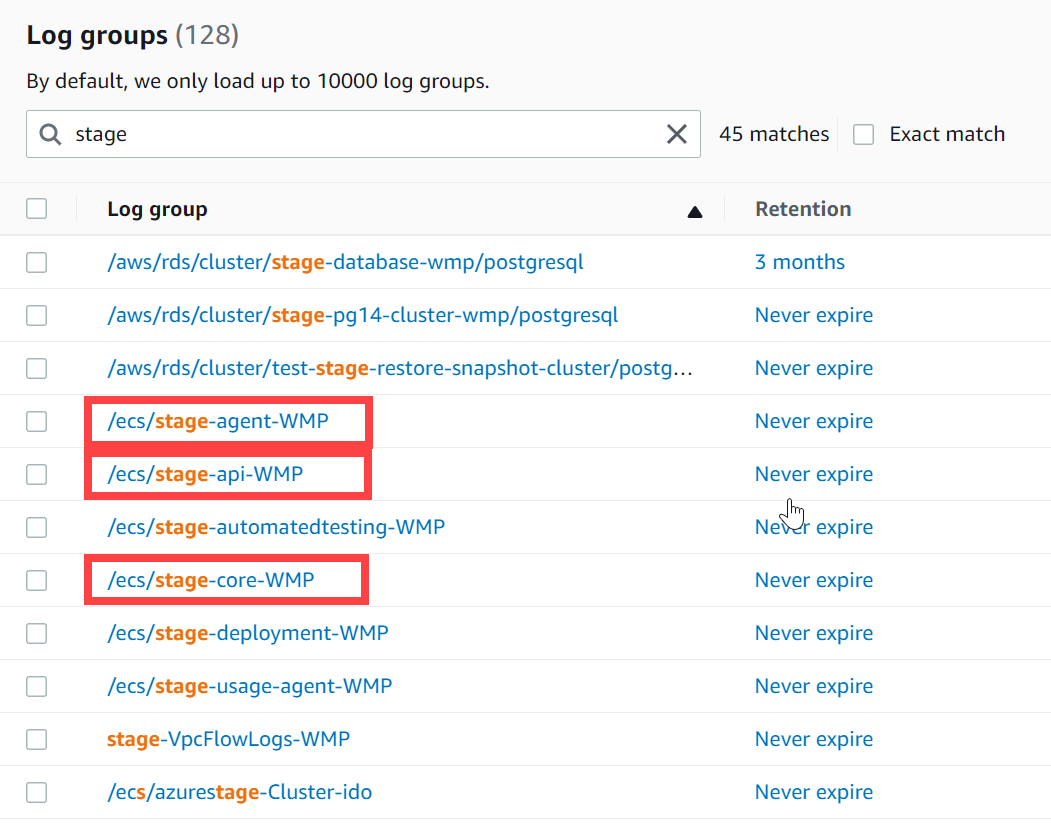
Log groups follow these formats:
- /ecs/
-agent- - /ecs/
-api- - /ecs/
-core- - /ecs/
-deployment- (Only relevant during environment upgrade process)
Multiple sets of log groups appear if multiple DataForge environments are deployed.
When investigating failures, look for exception messages — especially unhandled exceptions, which typically require restarting the service.
API exceptions will retry 5 times before ultimately failing.
Contact DataForge Support for additional guidance.