Navigation and Interface
Navigation Menu
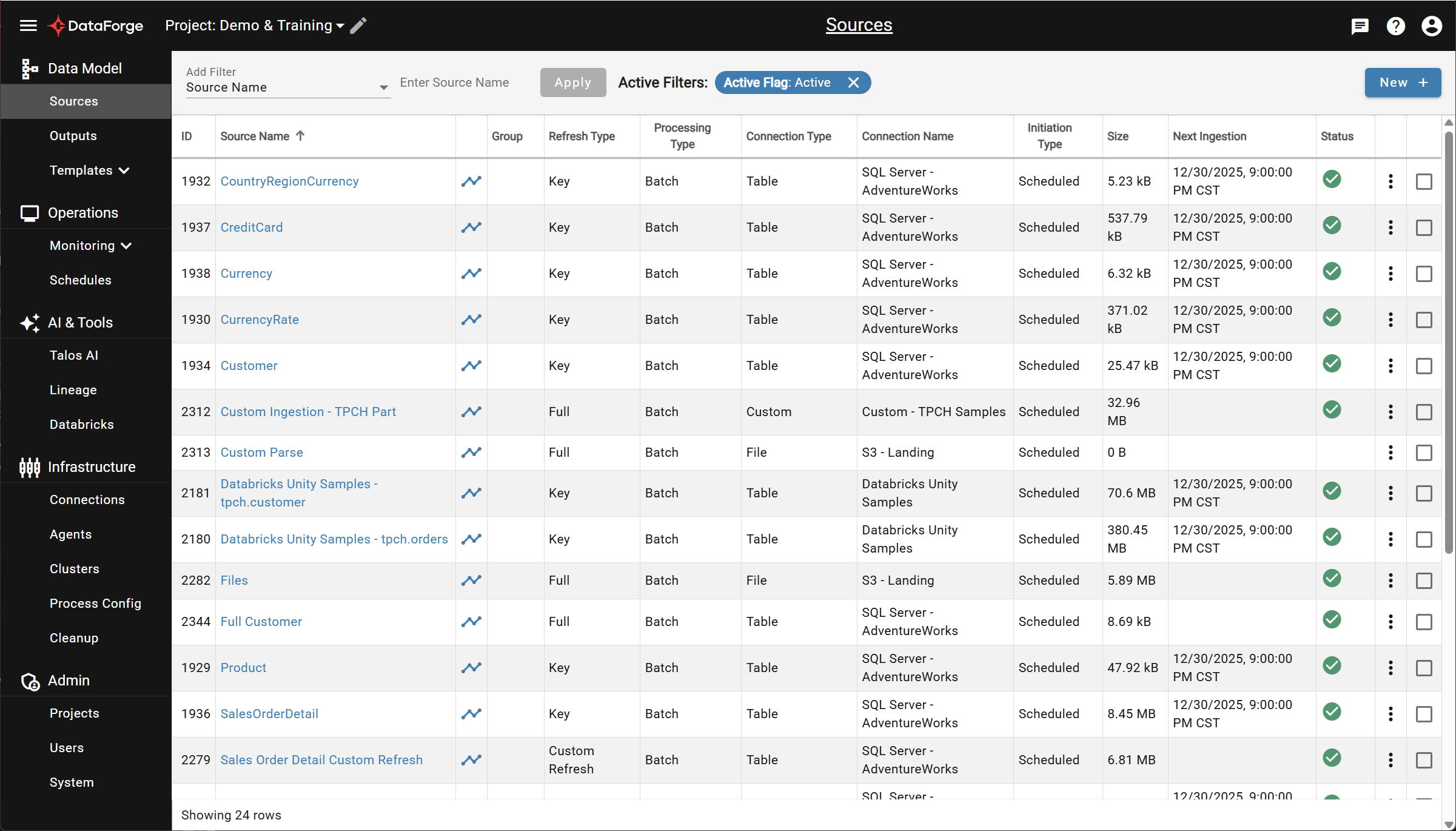
The collapsible navigation menu on the left provides access to all primary pages. Upon login you land on the Sources page.
User Menu
The top-right user menu provides theme switching (light/dark), account management, and logout.
Primary Interfaces
Sources
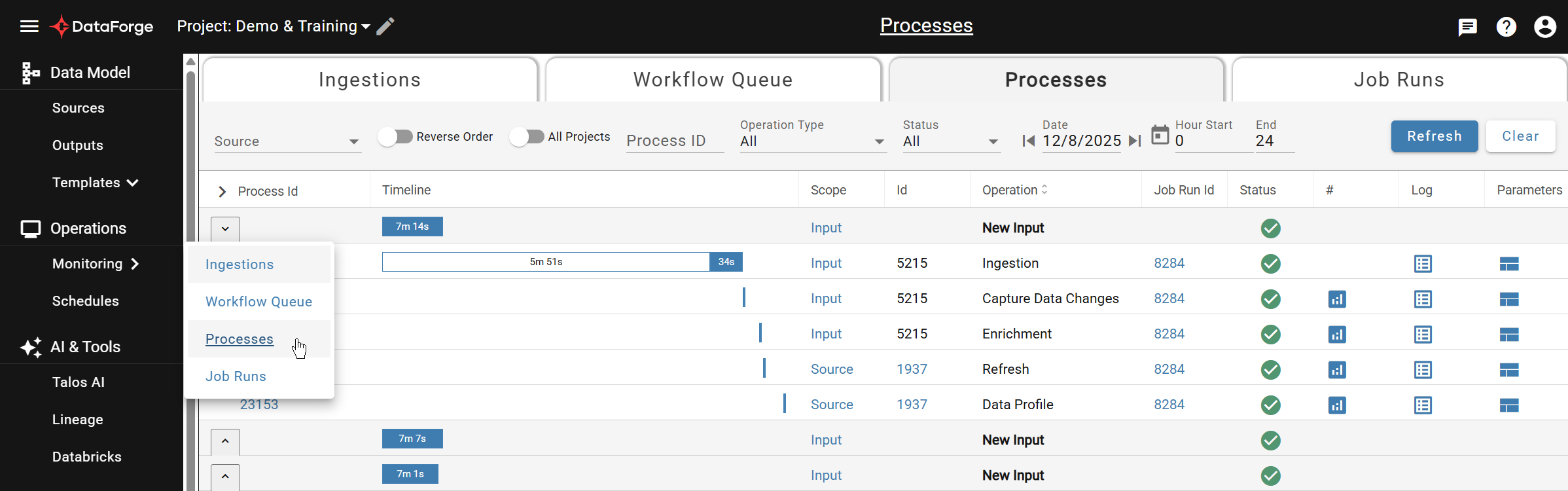
Sources manage the entire data flow — ingestion, quality validation, enrichment, and refresh. Each source has tabs for Settings, Raw Schema, Relations, Rules, Inputs (process tracking), and Data View.

For more information, refer to Sources.
Processes
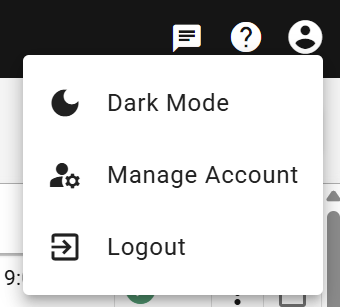
The Processes page shows all Alloy refinement activity across the workspace. View by project or globally, with tabs for the Ingestion Queue, Workflow Queue, and Job Runs.
Outputs
Outputs publish refined data from hub tables to external systems. Each output has Settings, Mapping, and Process tabs.

For more information, refer to Outputs.
Connections
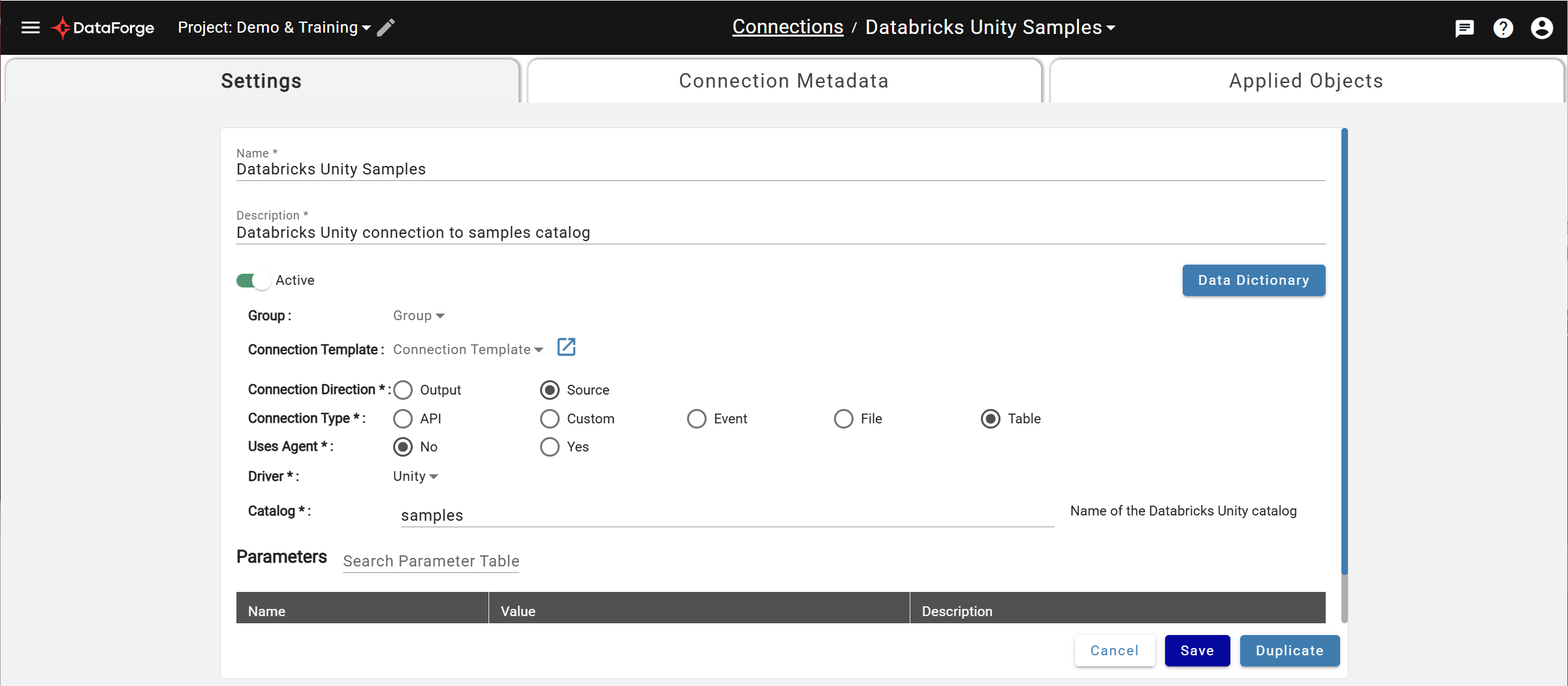
Connections configure how DataForge communicates with source and output systems. Each connection has Settings, Connection Metadata, and Applied Objects tabs. Sources can be created directly from connection metadata.
For more information, refer to Connections.
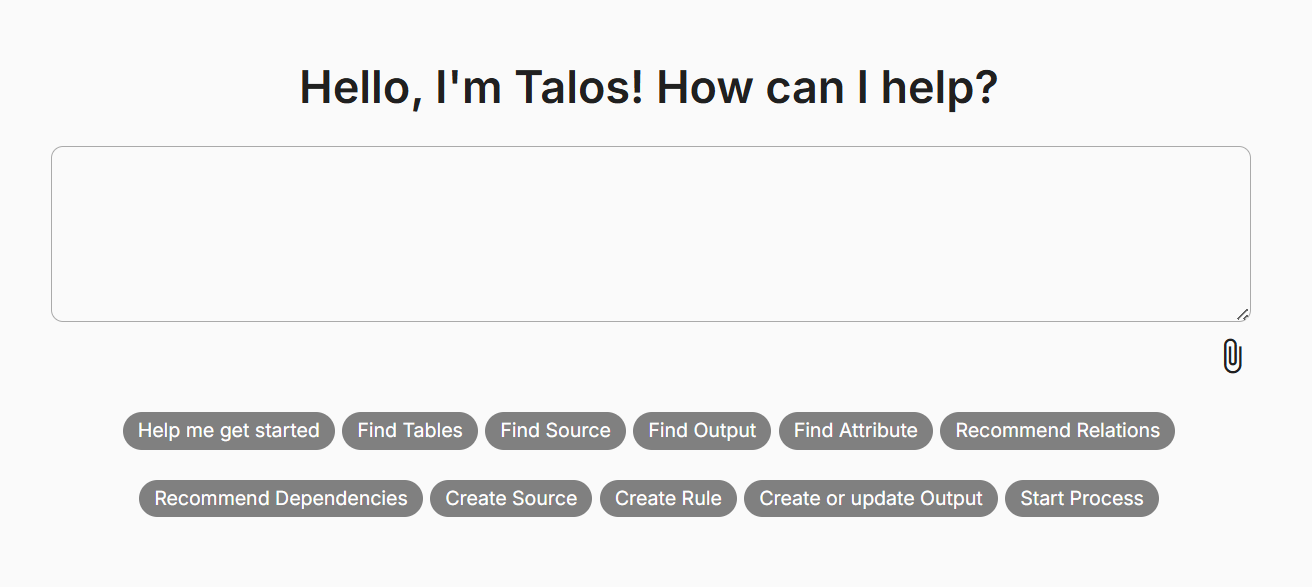
Talos AI
Talos AI is your assistant for building data models, operating pipelines, and managing dependencies using natural language prompts. Access it from the main menu or the top-right quick link.
Templates
Templates let you save reusable configurations for Sources, Relations, Rules, Outputs, and Connections — a key building block for cloning groups of objects.
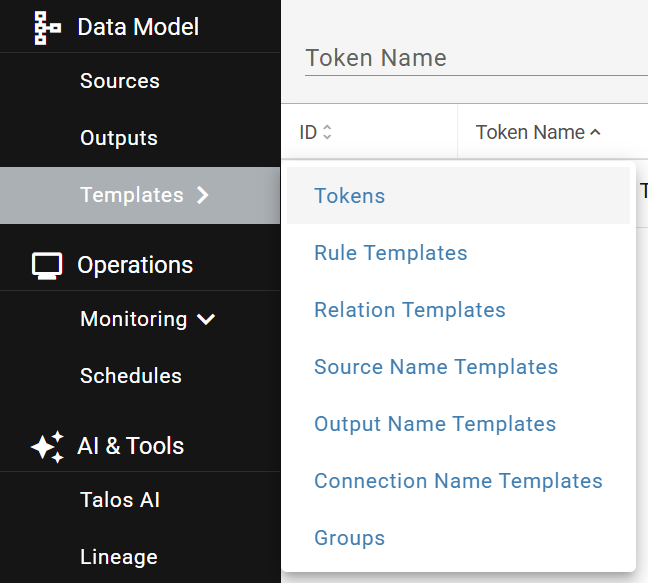
For more information, refer to Templates.
Schedules
Schedules control when ingestion and processing occur, as well as system activities like automatic upgrades and cleanup.
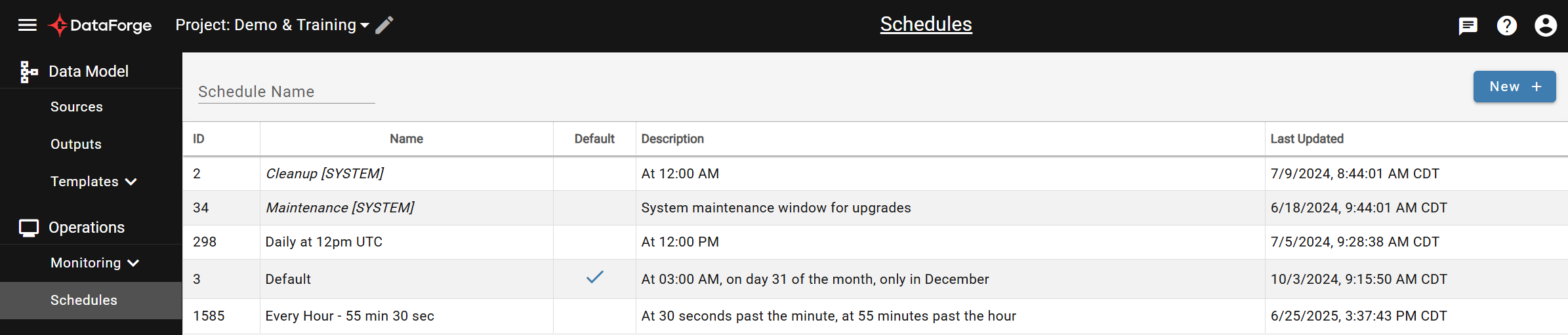
For more information, refer to Schedules.
Lineage
Lineage traces the connections between objects in your workspace. Start a graph or add to an existing one using the lineage icon on any page.
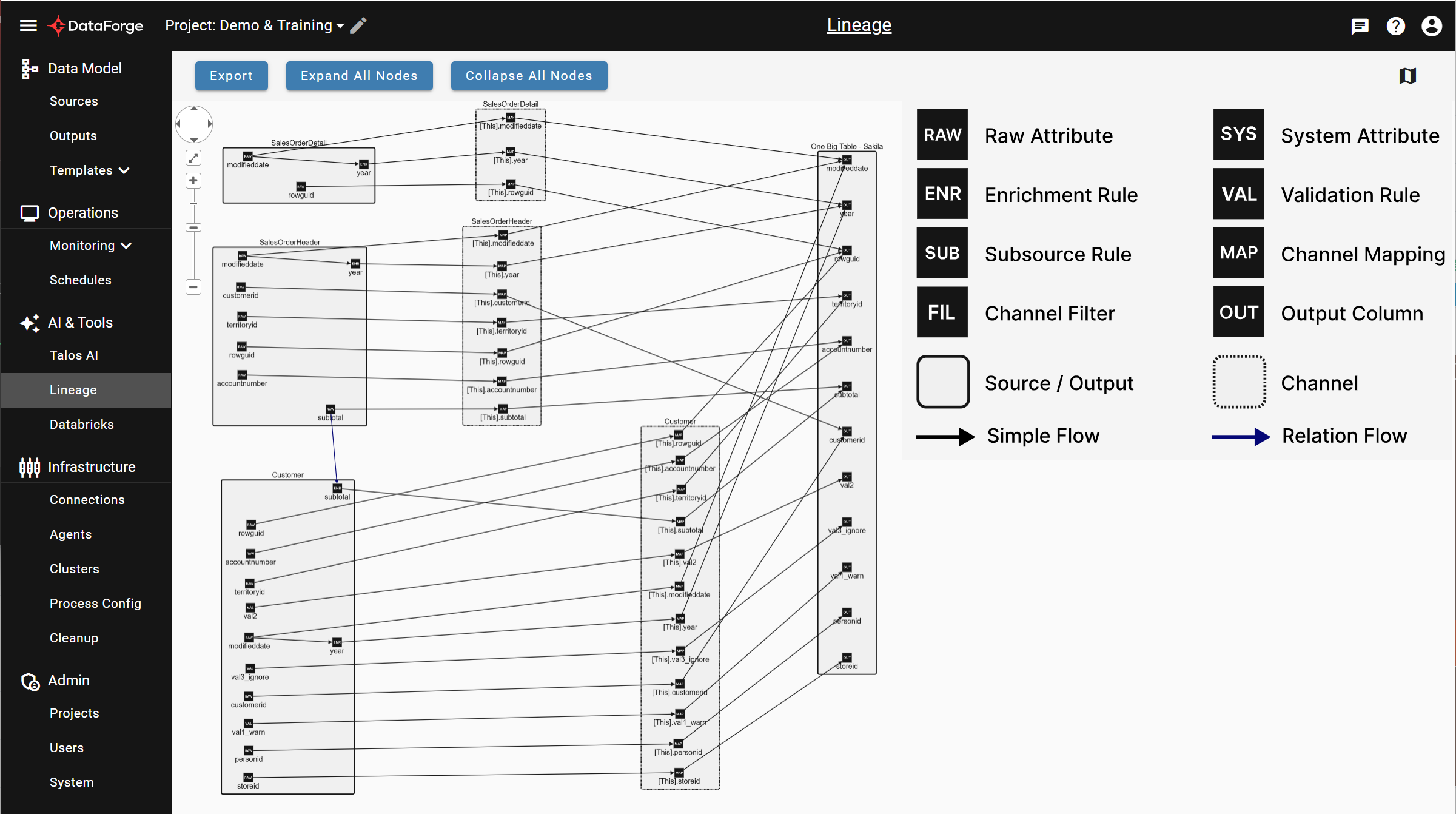
For more information, refer to Lineage.
Compute and Process Config
Compute Configurations set size, type, and settings for processing clusters. Process Configurations assign a default compute and per-process-type overrides, then attach to sources.
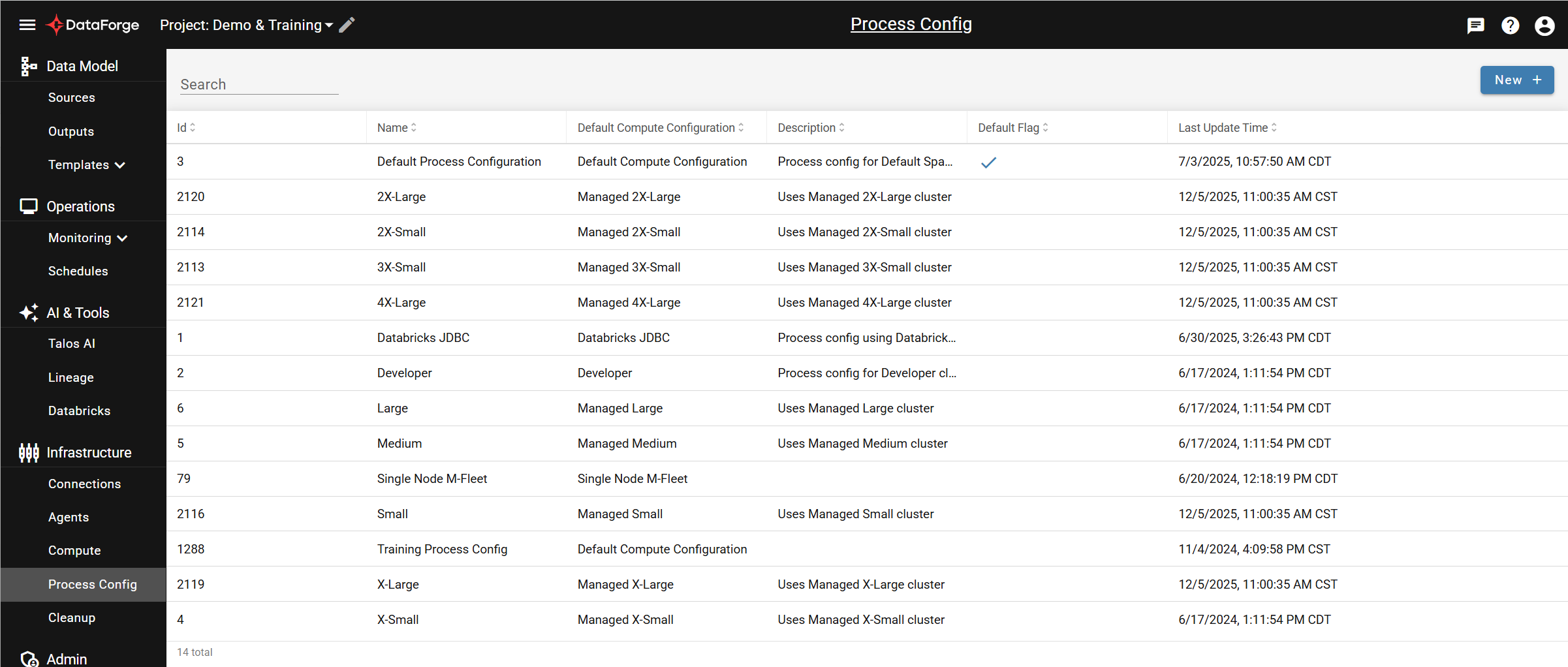
For more information, refer to Compute Configuration and Process Configuration.
Cleanup
Cleanup configurations enforce retention policies on data and metadata. Attach them to sources in source settings.
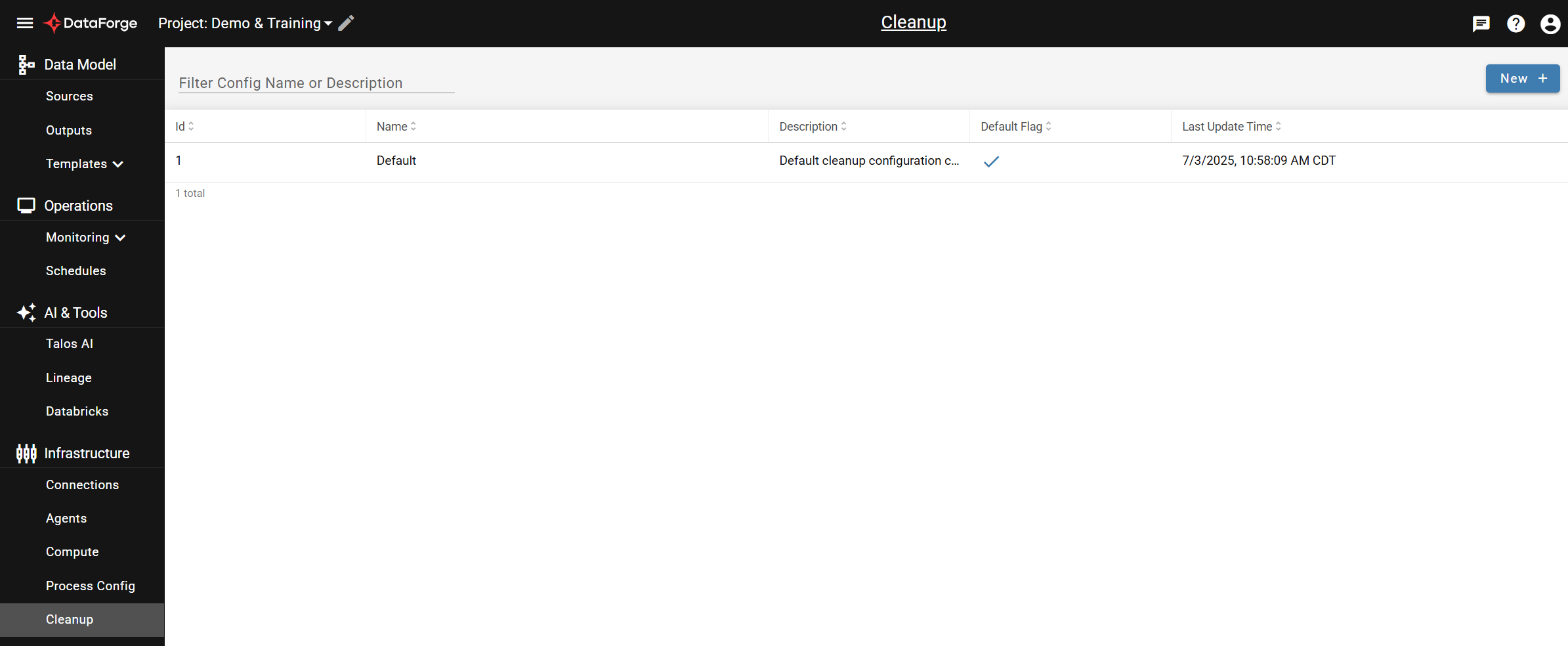
For more information, refer to Cleanup Configuration.
Projects
Projects group configurations within an environment. Export and import project contents between projects for migration.
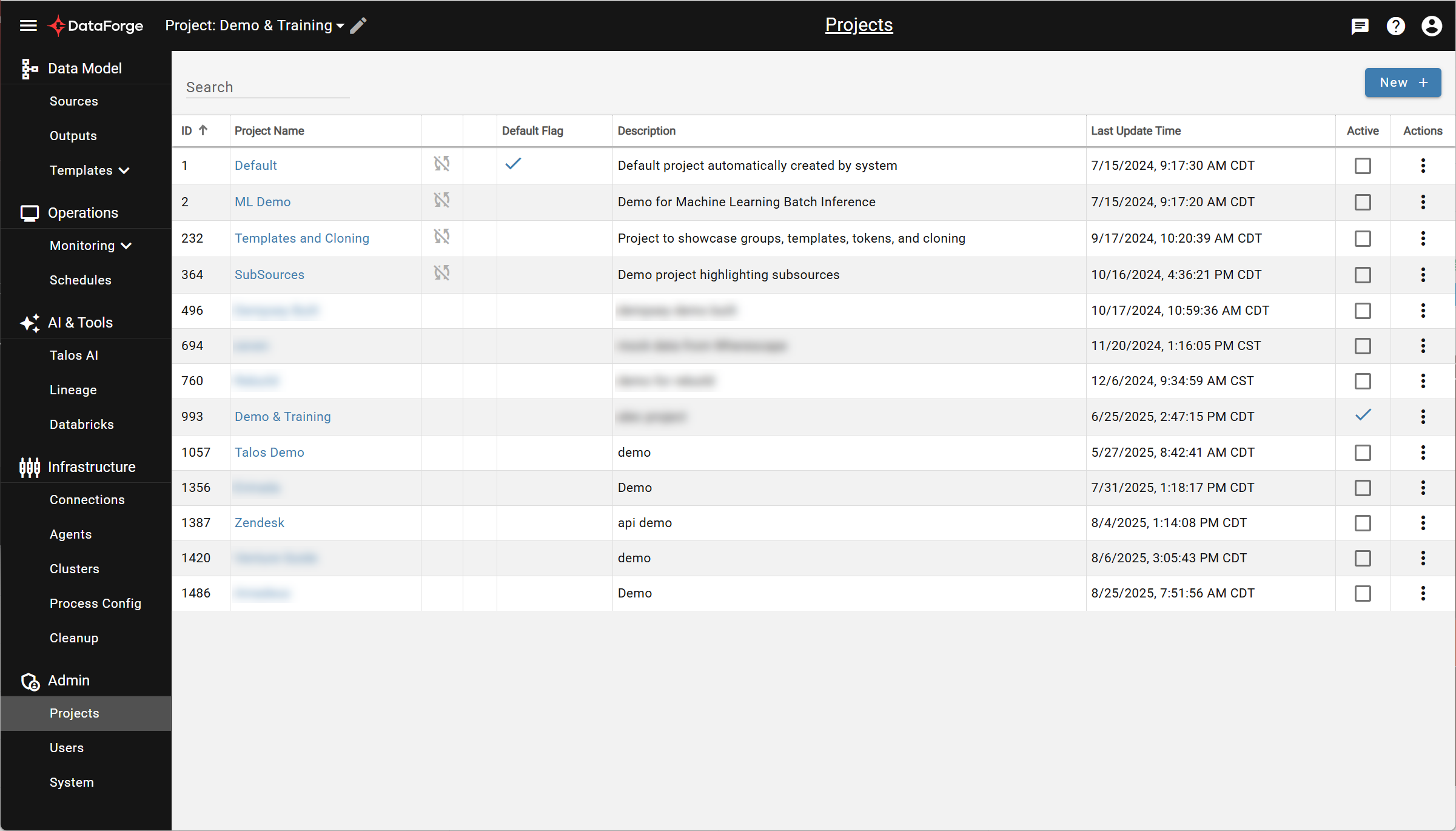
For more information, refer to Projects.
Users
Manage workspace access. SaaS users manage access directly; private deployments manage users through Auth0.
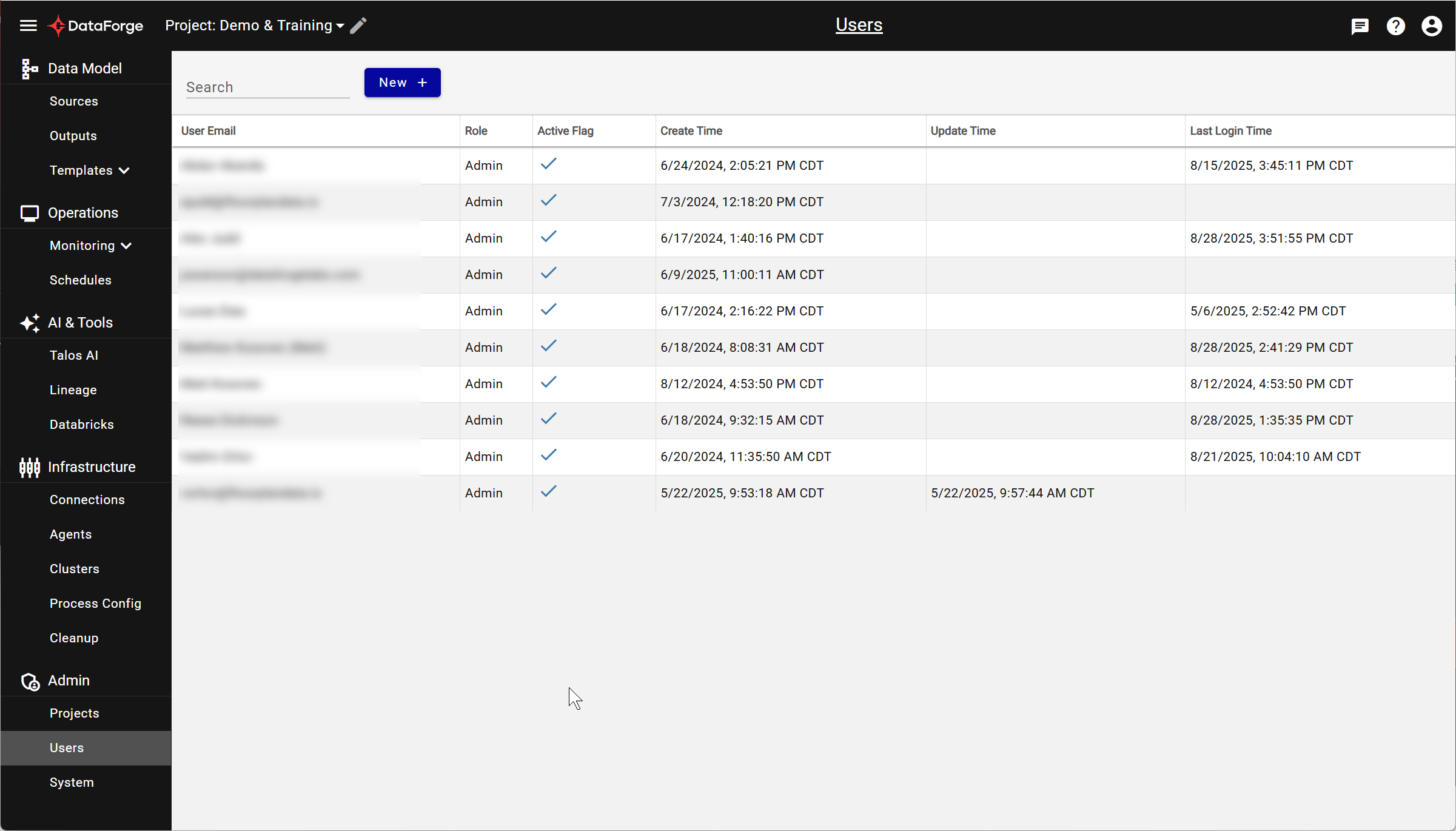
For more information, refer to Users.
System
Workspace-wide settings including auto-upgrade/maintenance and global ingestion controls. Avoid modifying these unless advised by DataForge support.
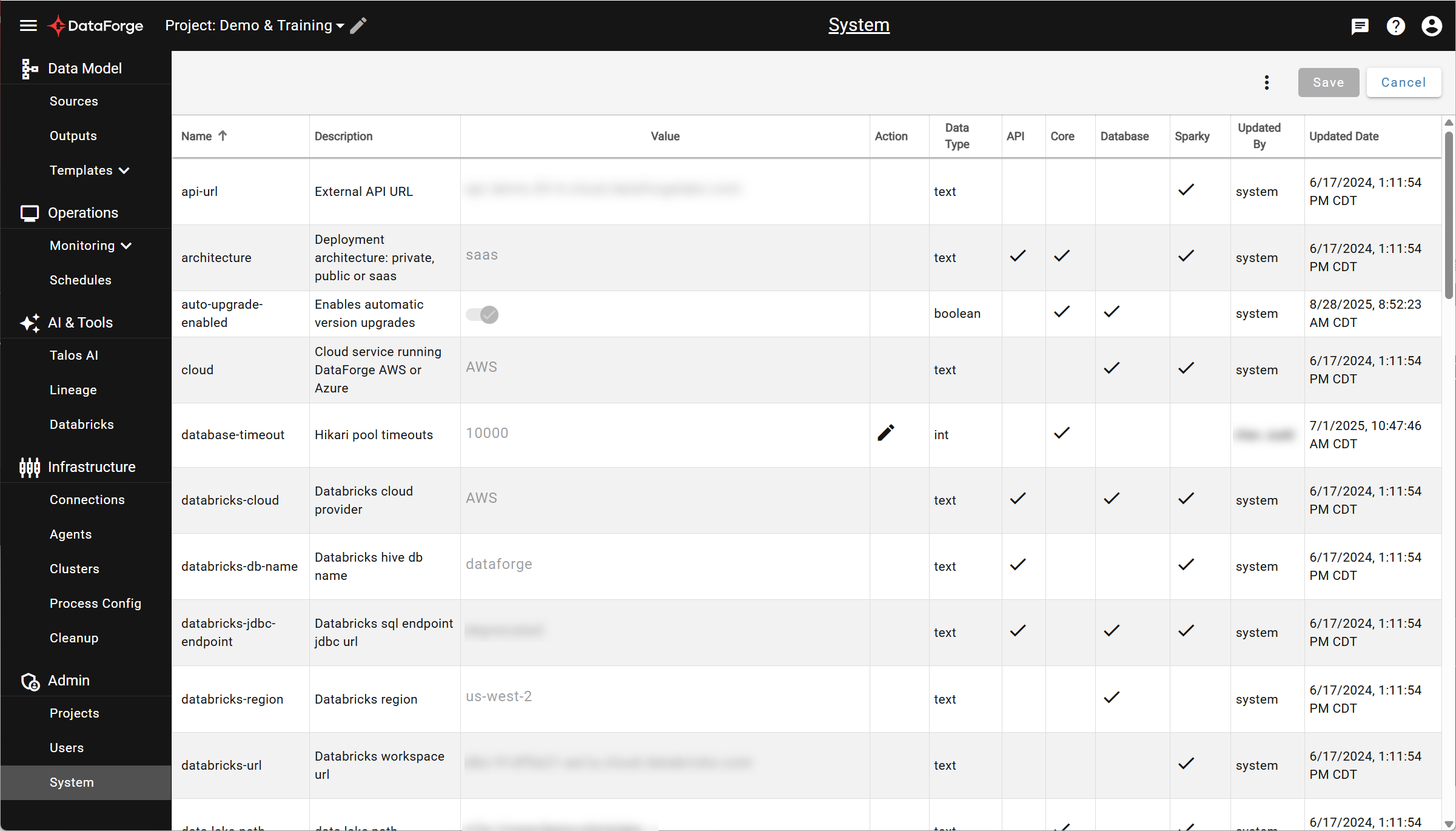
For more information, refer to System Configuration.