Compute Configuration Overview
Compute configurations store compute and job settings that sources are linked to. For performance and cost recommendations, see Production Workload Compute Configuration Recommendations.
Compute List
Navigate to System Configurations → Compute Configurations from the main menu.
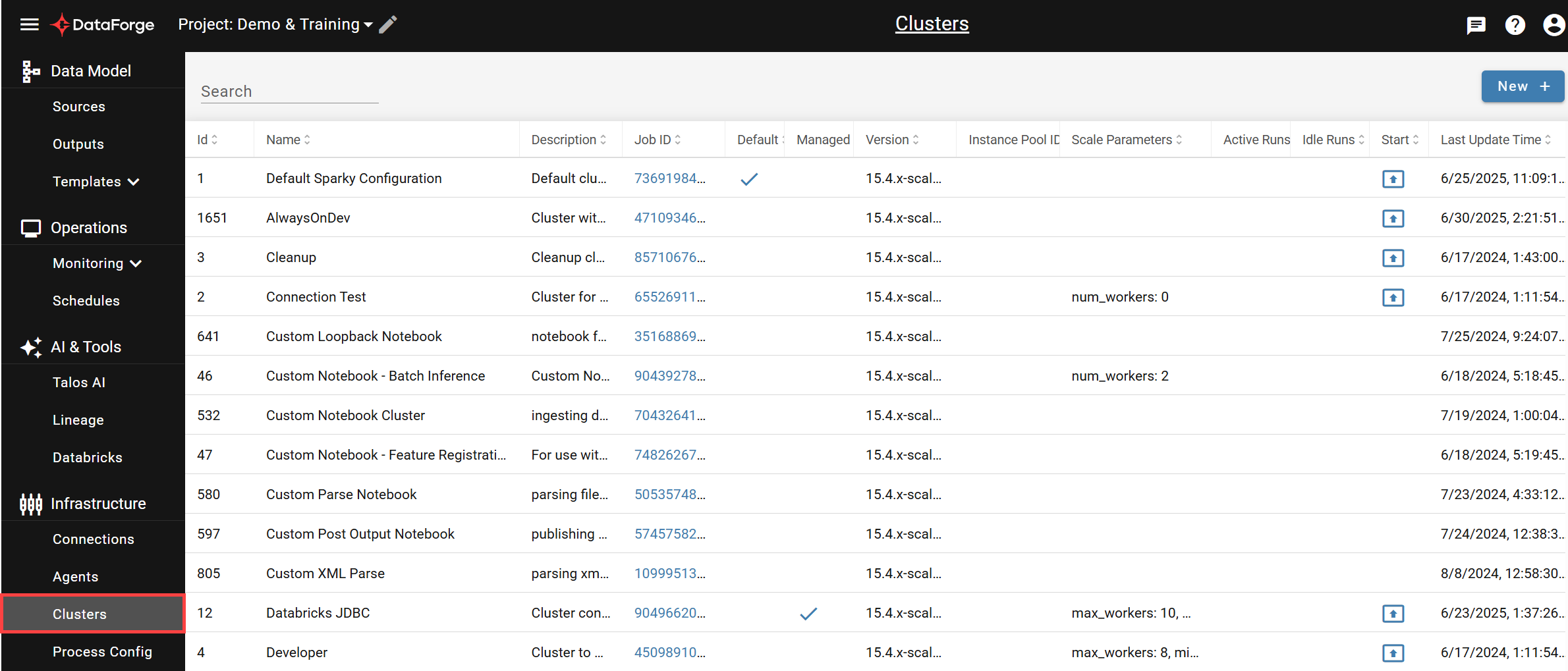
The table lists all compute configurations with filtering by name/description and column sorting. Click any row to open its settings page, click the launch icon in the Start column to start a compute manually, or click NEW + to create a new configuration.
Settings
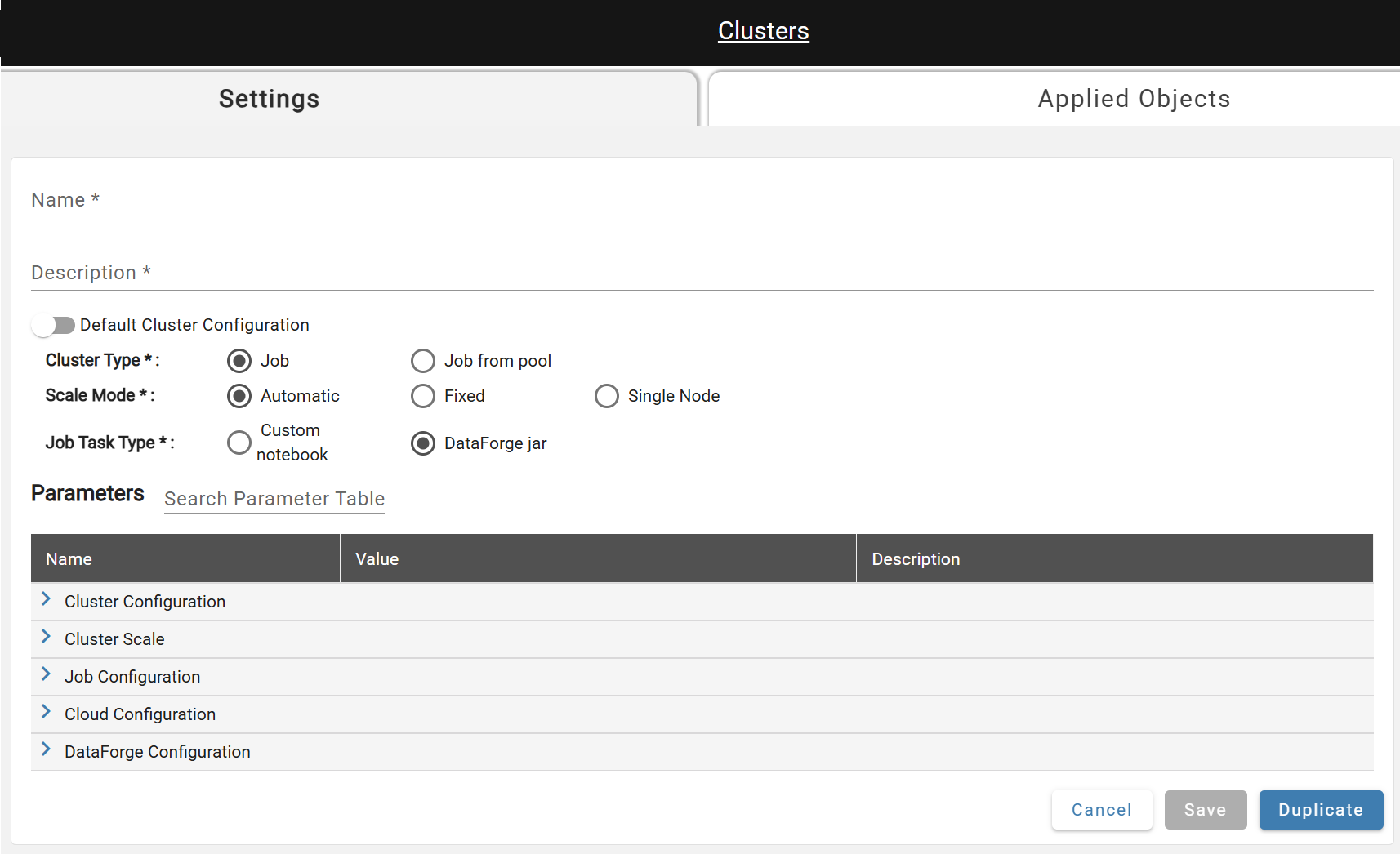
- Name*: A unique name.
- Description*: A one sentence summary describing the compute.
- Default Compute Configuration: A flag that marks the compute as the default. Once active, toggle is disabled until another default compute is selected.
- Compute Type*: Create either a new Job (default, recommended) or user specified pool.
- Scale Mode*: The number of workers can be automatically managed by Databricks or can be a fixed value.
- Job Task Type*: Jobs will either execute a custom notebook in Databricks or the DataForge Jar will be used.
- Notebook Path*: The full file path to the custom notebook. Only required when custom notebook job task type is selected.
Duplicate (near Save) creates a copy with the same settings named "
Advanced Parameters
Advanced parameters are shown based on your required-parameter selections; descriptions for each appear in the UI. User-modified parameters are displayed in bold.
A notable parameter is Max Processes Per Compute — by default, each new process starts a new job run of the attached compute configuration.