Tokens
Manage tokens via Templates → Tokens in the main menu.
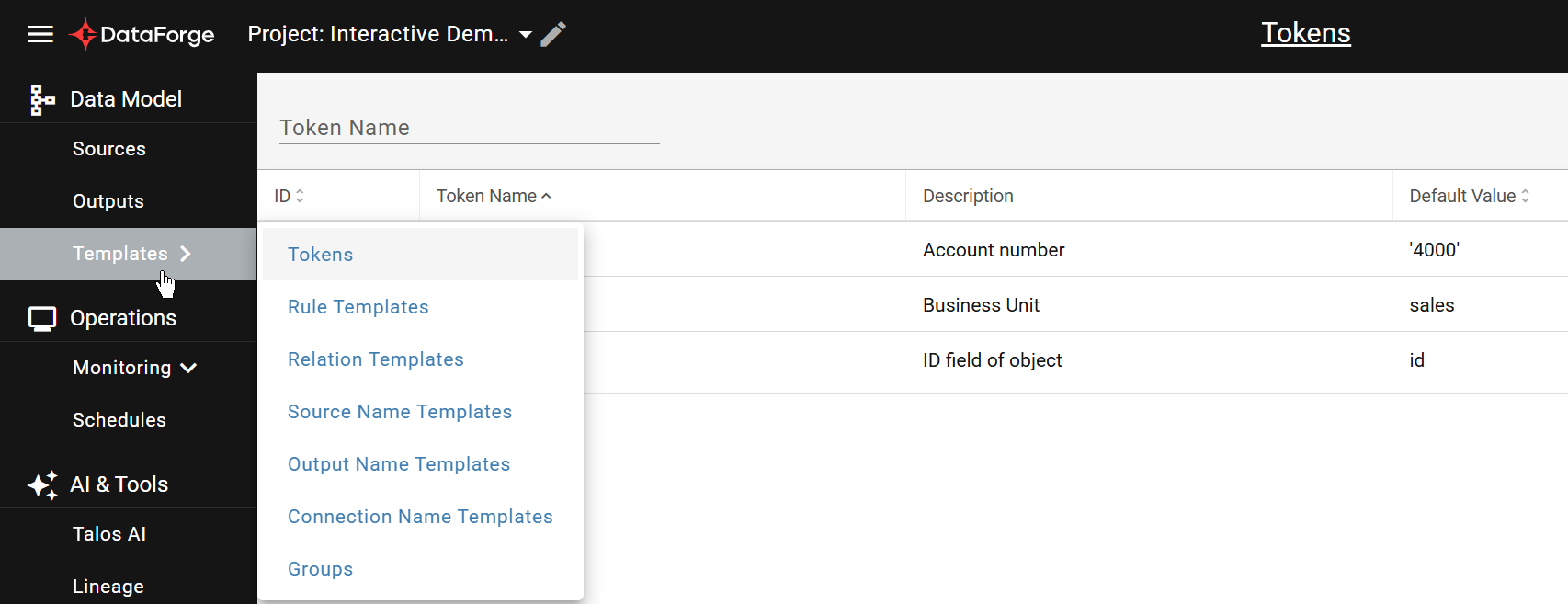
Token list
Creating a New Token
Click NEW + to open the Token Settings tab.
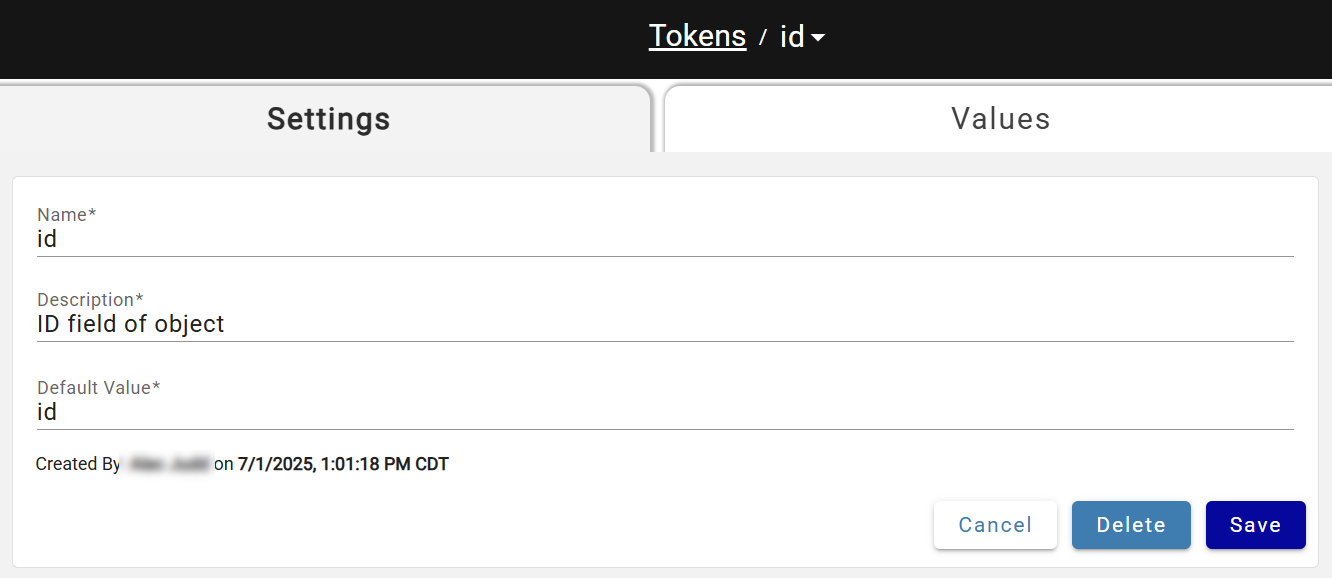
Enter a unique case-sensitive name, description, and default value (used for Template validation). After saving, the Values tab becomes available to assign token values to specific sources — click NEW + to add values.
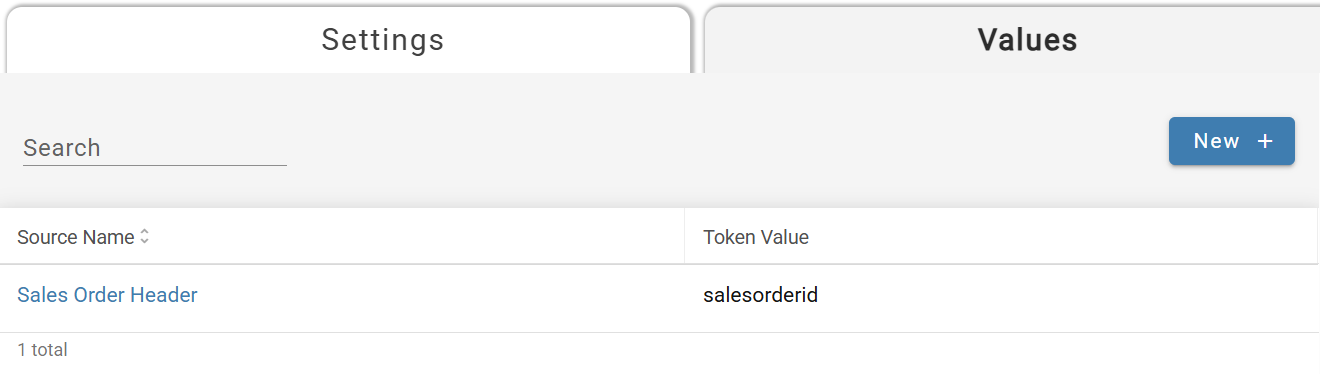
Token Values tab
Updating Token Value
Token values are managed by clicking in the box under the Token Value column:
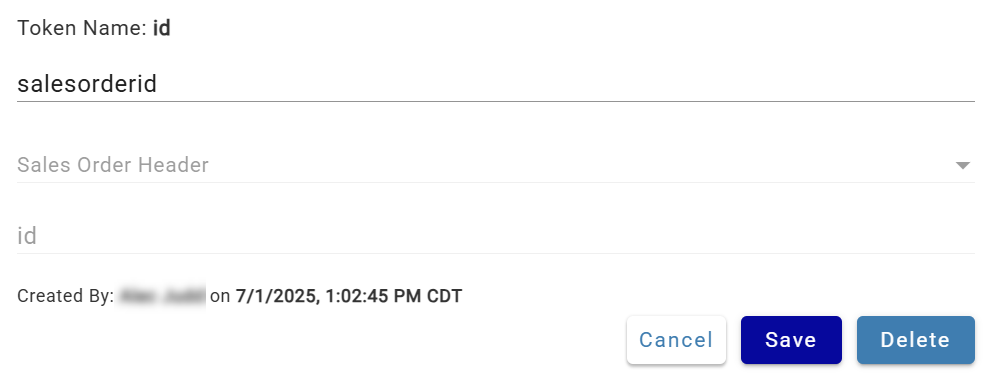
Token Value dialog
Token values can also be managed from the Source Settings tab — click the Token Name link to open the Token Value dialog.
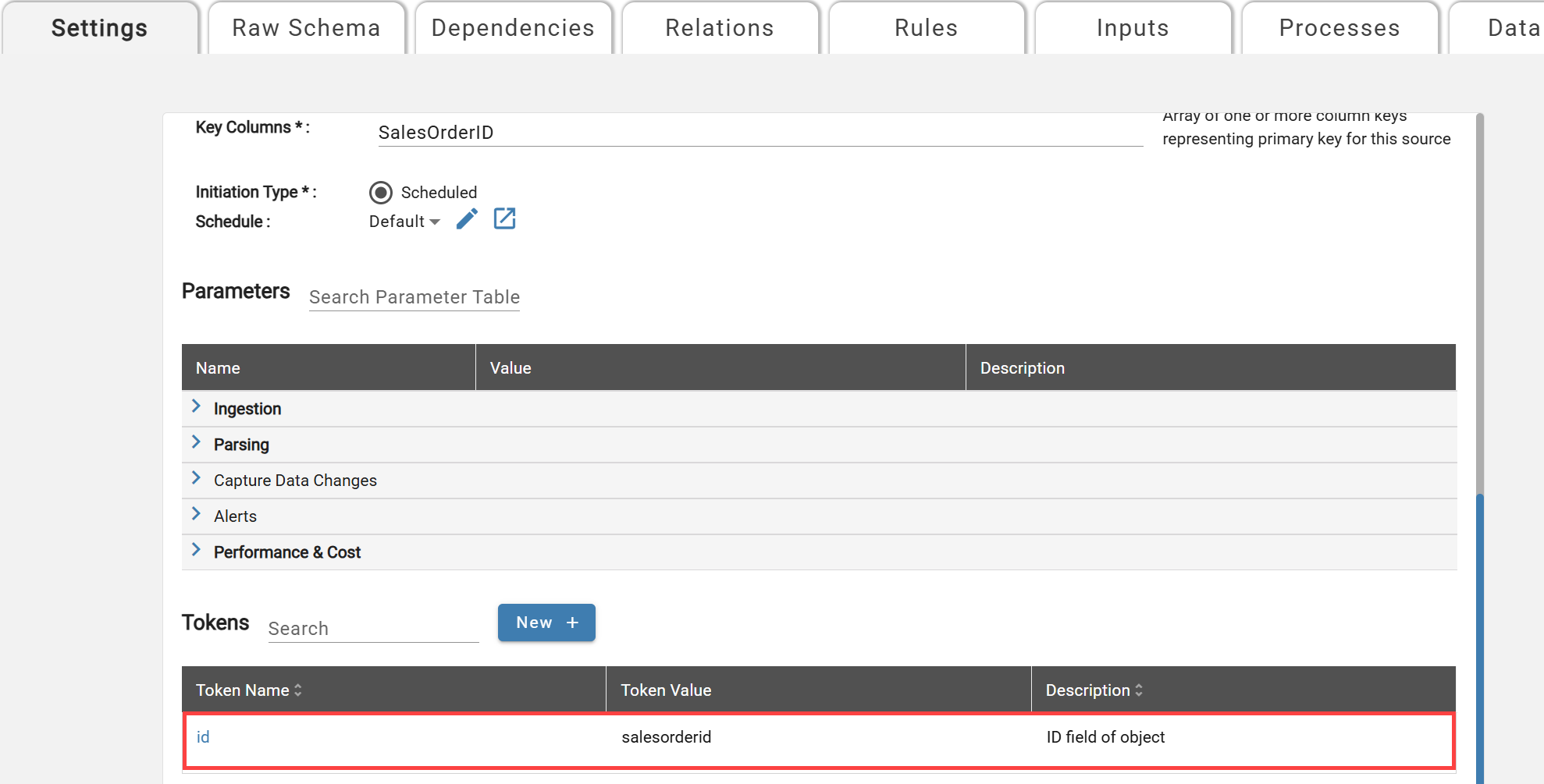
Note: when token value is changed for the source, the system re-evaluates and validates all Rule and Relation Templates using this token that are applied to the Source. If validation is successful, all Relations and Rules for the Source using token are updated, otherwise the system will display error message with validation failure details