(AWS Workspaces) Creating "dataforge" unity catalog
Workspace deployment requires a "dataforge" catalog in Databricks. This catalog hosts all refining stages and hub tables.
If you would like to name your catalog to something other than "dataforge", please contact DataForge support as this requires following a process to ensure source hub tables are processed correctly.
To create the catalog, specify a storage location — use your account-level metastore (if it has a storage path) or create a storage credential and external location pointing to a specific bucket. For simplicity, point the catalog to s3://<datalake_bucket_path>.
-
Create a user (and assign both Workspace Admin and Account Admin privileges) that will be used to run jobs from DataForge. Make note of this user as you will need to assign them multiple permissions and generate a personal access token later.
-
Create a new Catalog named "dataforge"
If you already have a storage location, skip ahead to creating the catalog.
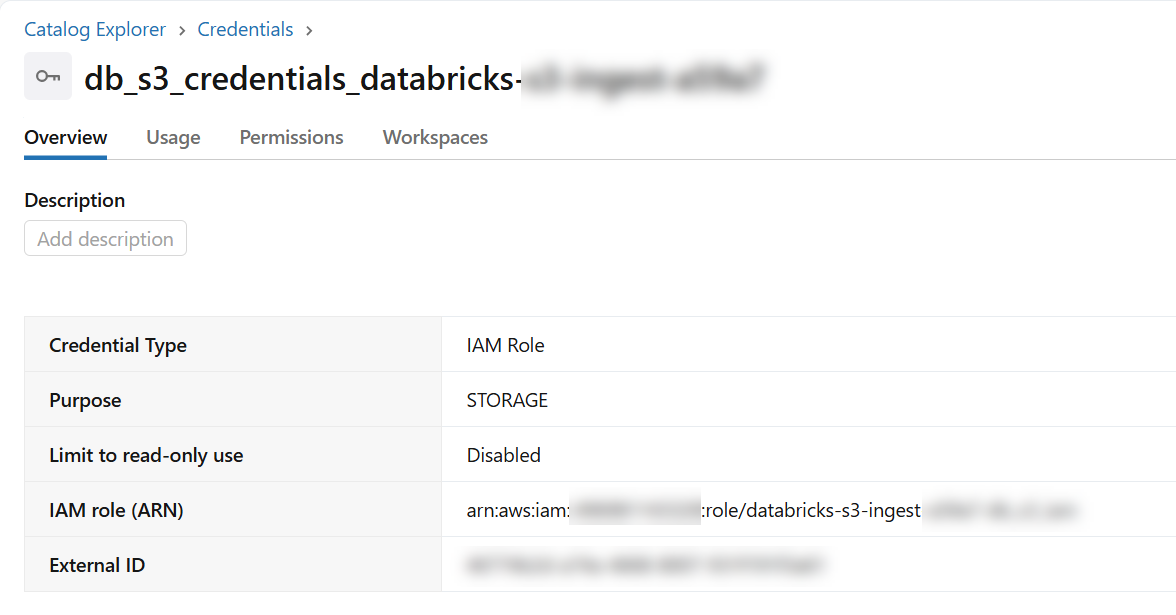
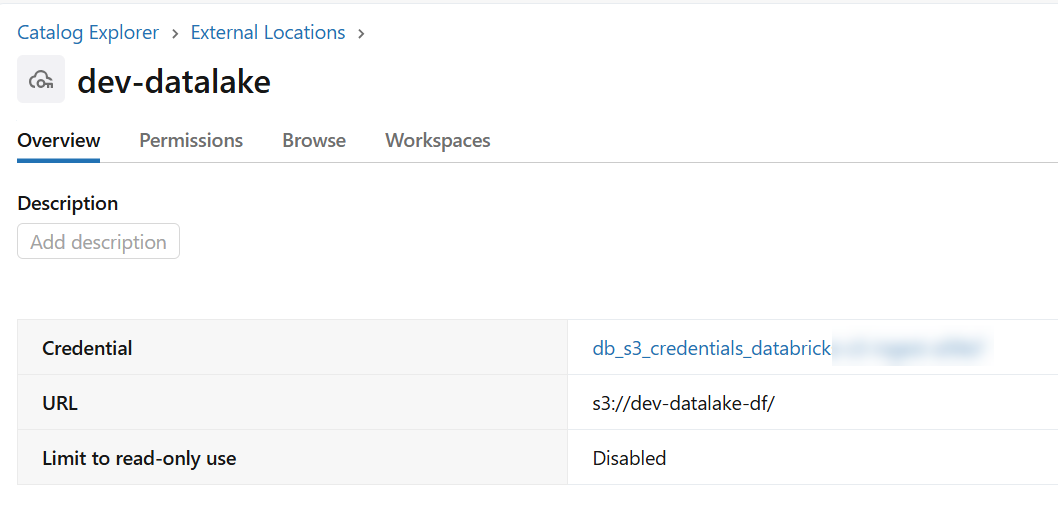
- External Location using storage credential
- Can use any bucket, but recommended using "s3://
" - Including permission for the DataForge authorized user or service principal of "ALL PRIVELEGES"
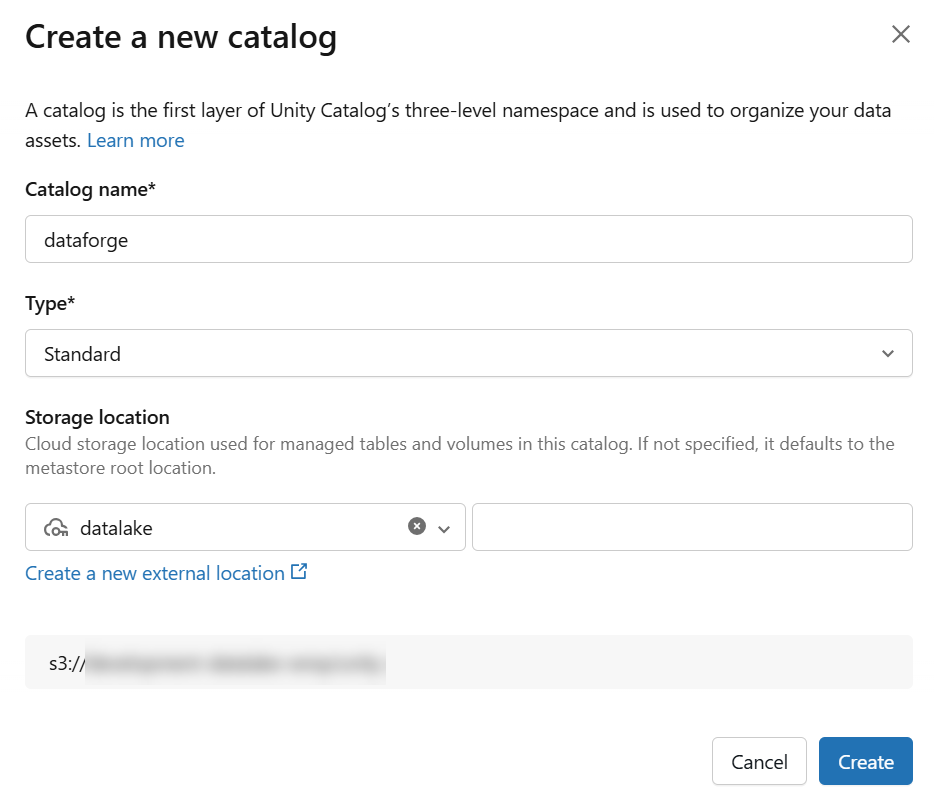
- Catalog named "dataforge" using external location from step 2
- Use "Standard" catalog type
- Can use any bucket within the external connection, but recommended using "s3://
" - Including permission for the DataForge authorized user or service principal of "ALL PRIVELEGES"
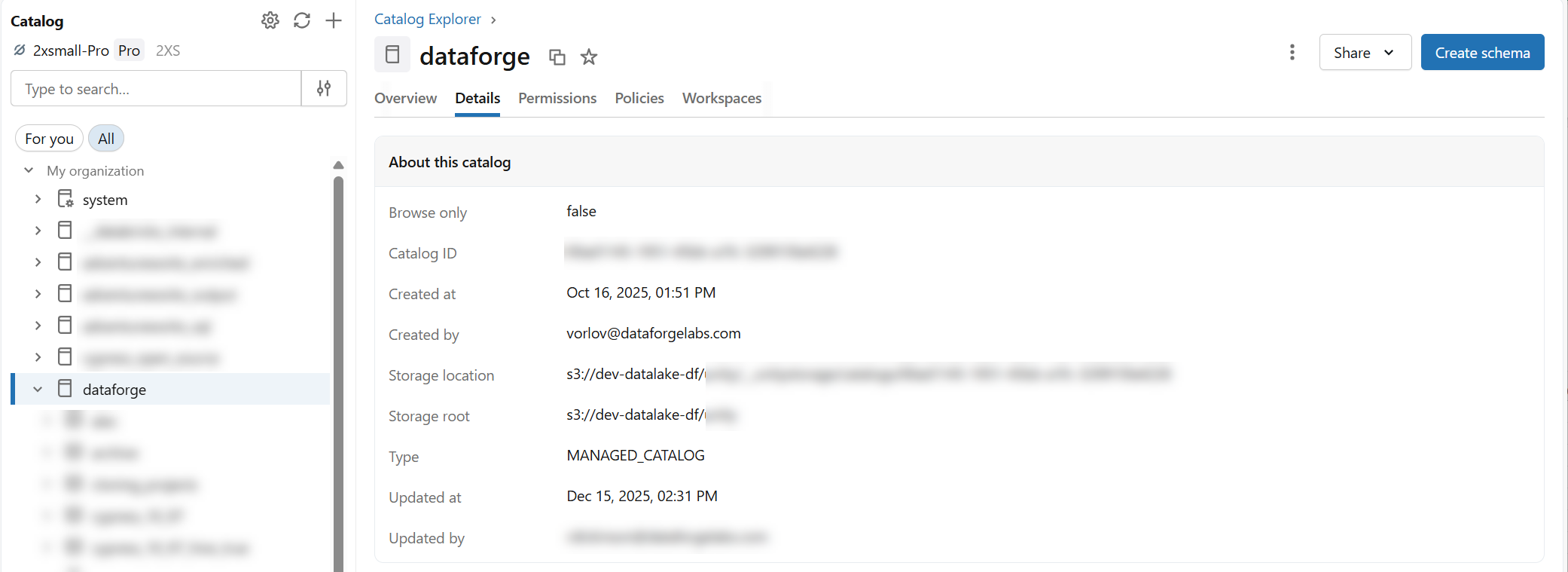
3.Once the catalog is created, grant permissions on the catalog for the DataForge authorized user of "ALL PRIVELEGES".
-
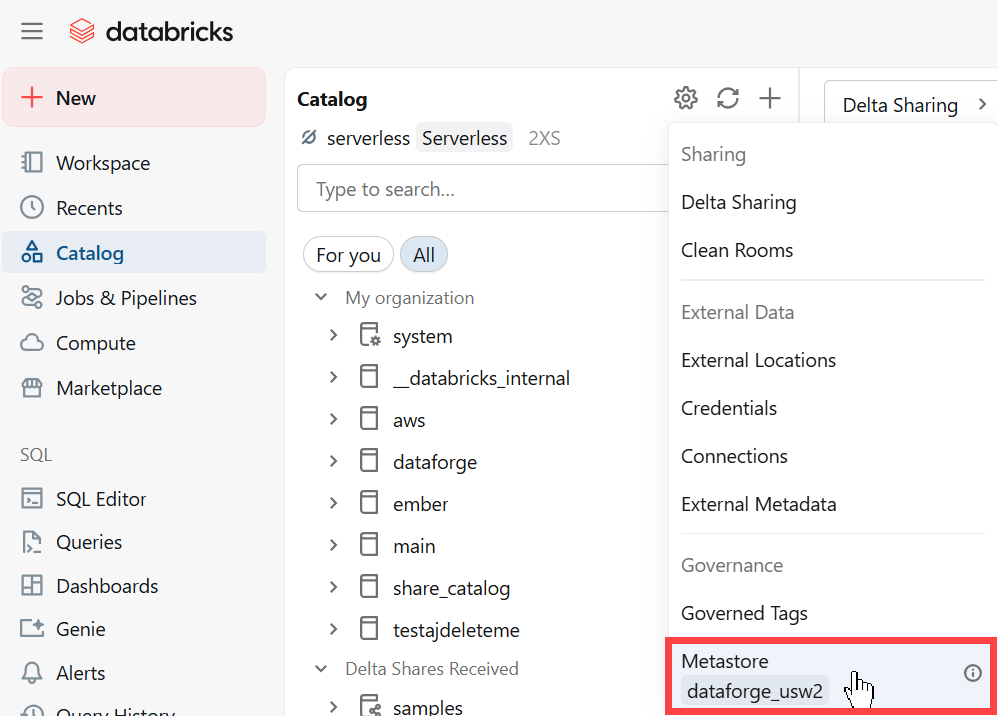
Open the Catalog page in Databricks and click the gear icon and select the metastore assigned to your Databricks workspace. Navigate to the Permissions tab and assign the following permissions to your DataForge authorized user:
-
MANAGE ALLOWLIST
- CREATE CONNECTION
- CREATE CATALOG