Templatizing Group Relation Rules
Templatizing a Group Relation Rule is more difficult because of the references to Grouped Sources in the Rule expression. Let's take a look at the "Header Account Number" rule on the Company 1 Sales Order Detail Source.
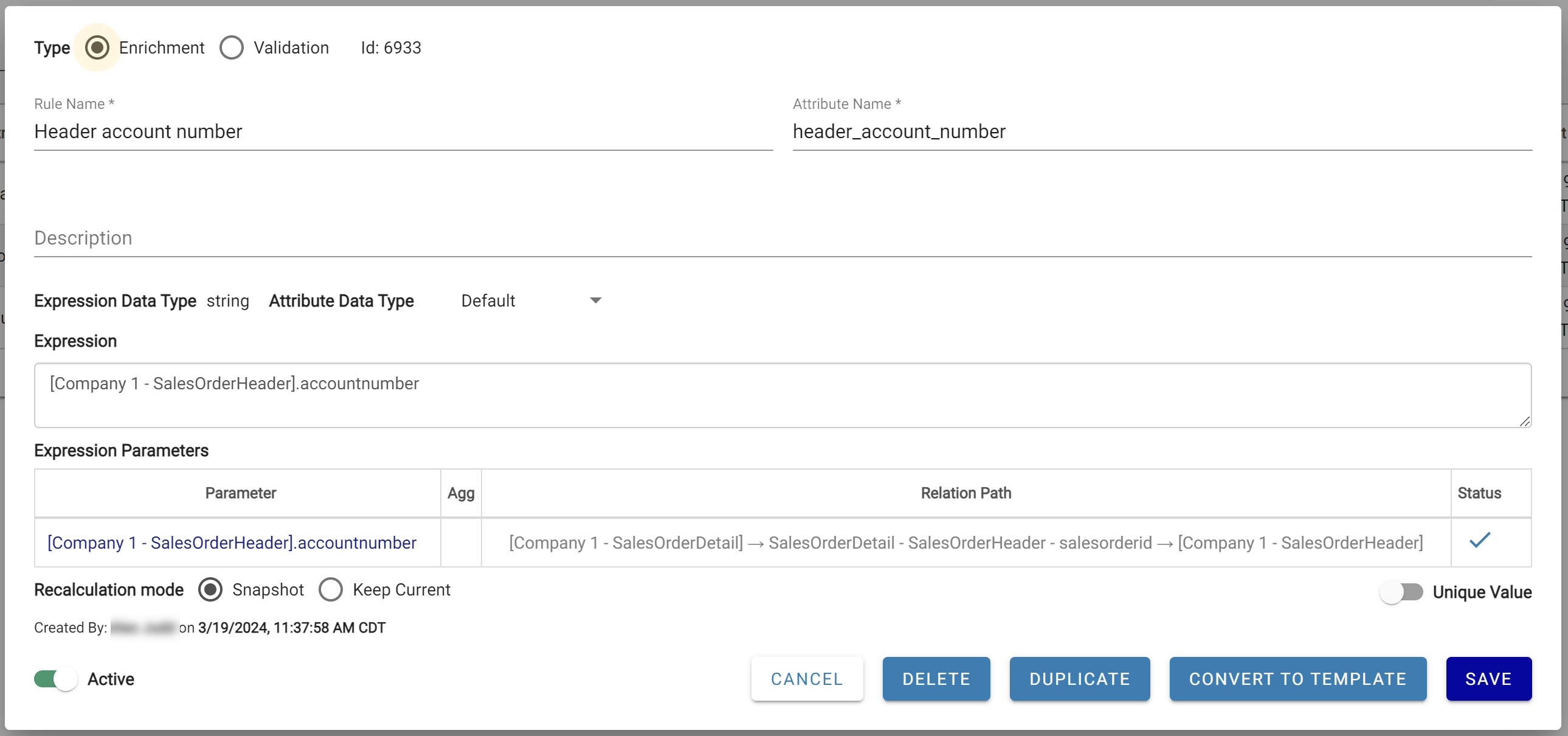
The Header Account Number Rule
Click Convert To Template. The template is created with "Company 1" hardcoded in the expression.
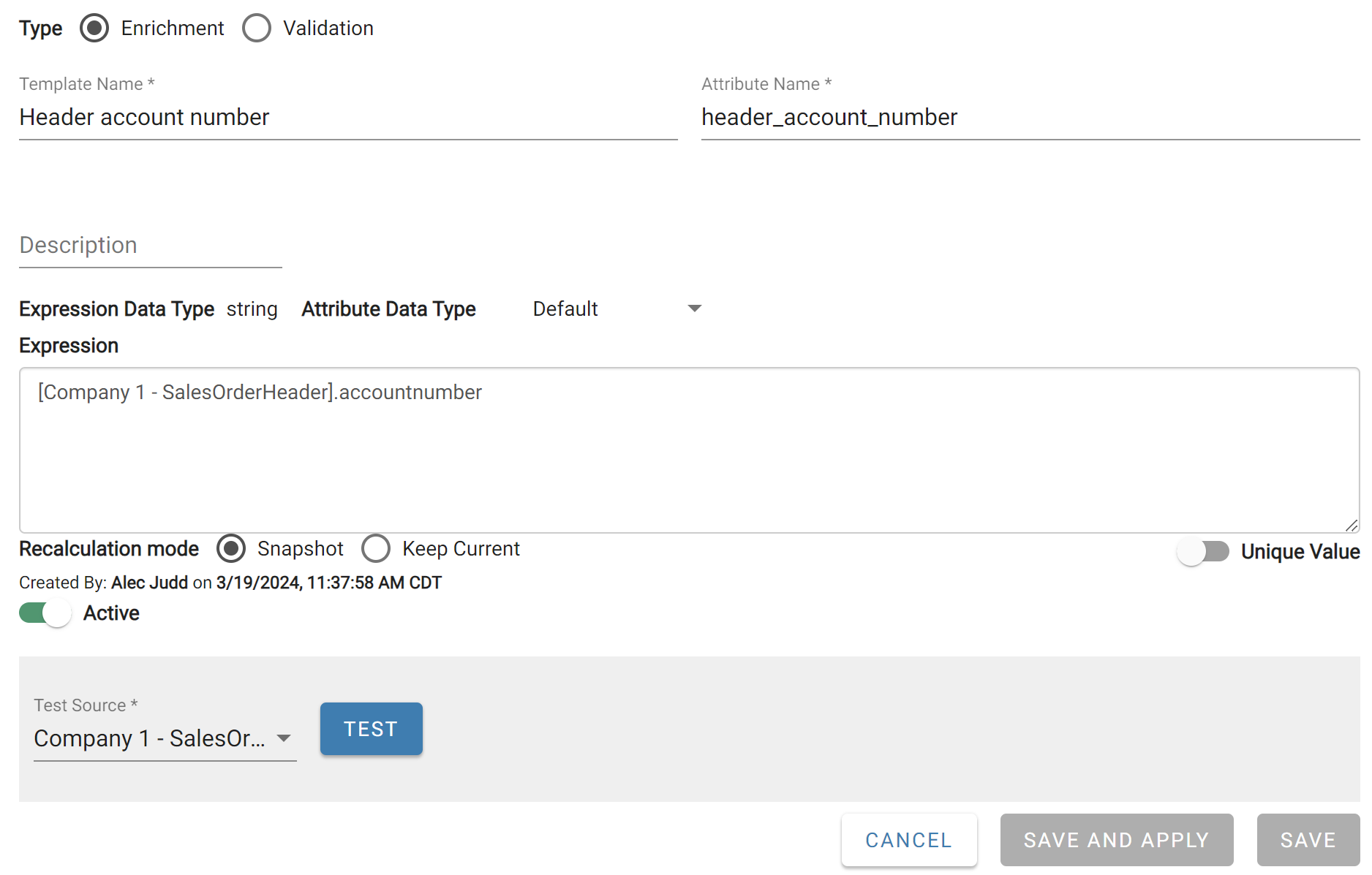
The Header Account Number Rule Template made based off of Company 1
Applying this template to Company 2 would fail because it references "Company 1". Replace all occurrences of the Group name with the ${GROUP} token, then save the template.
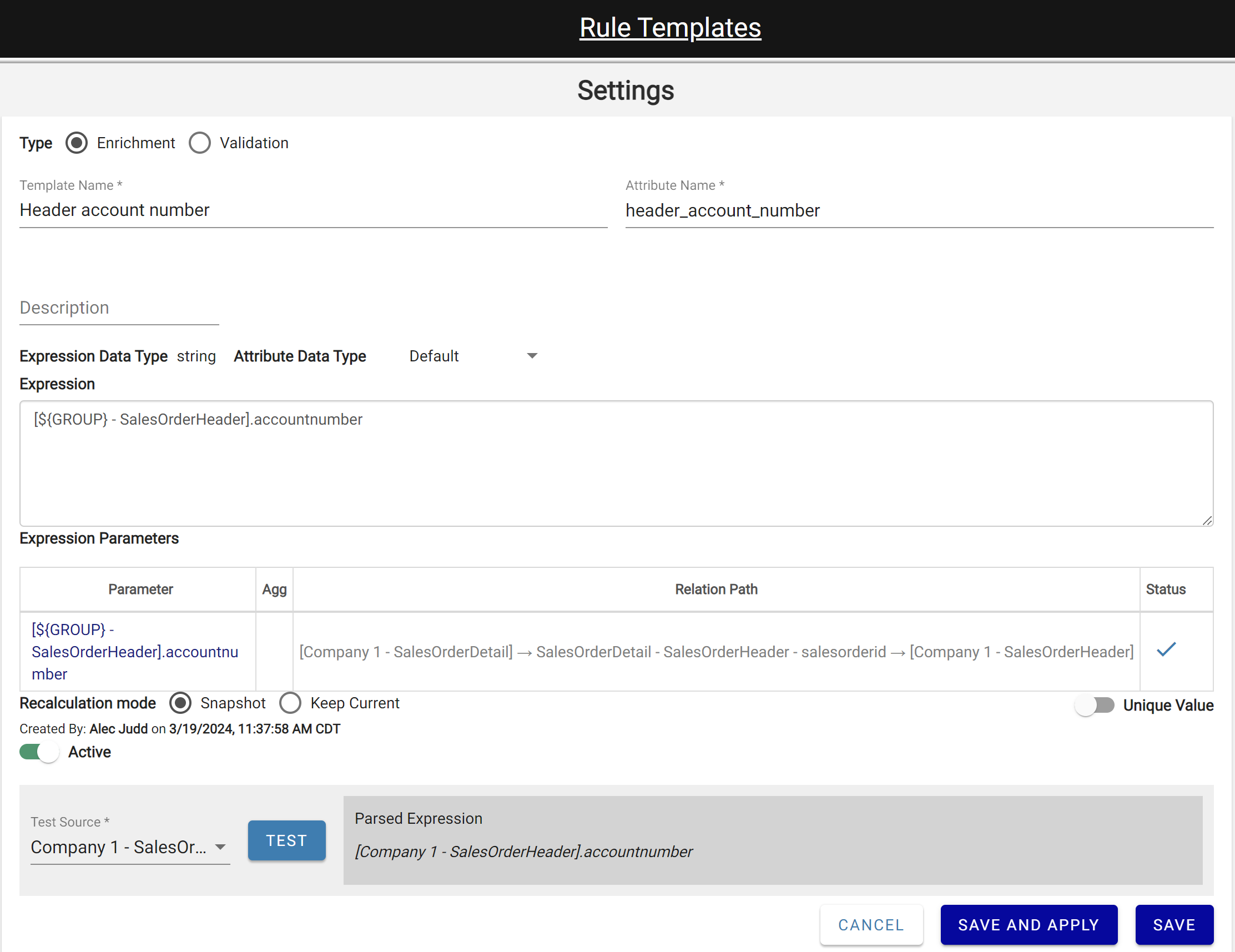
The Header Account Number Rule Template updated to use the GROUP Token
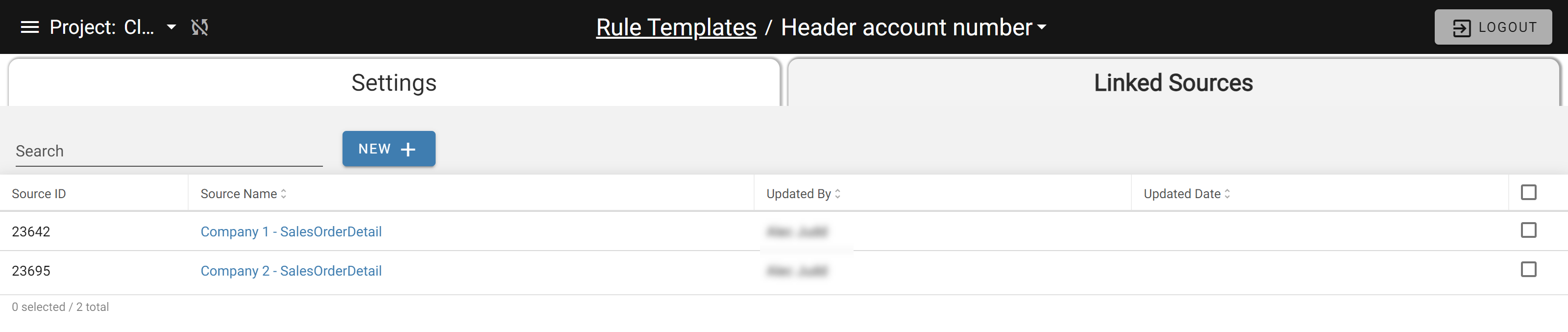
Click Save and Apply to save the template and apply it to Company 1 - SalesOrderDetail. It can also be applied to Company 2 - SalesOrderDetail via the Linked Sources page.