Creating a Single Group Connection with Connection Name Templates
A Single Group Connection requires two objects: a Group and a Connection Name Template. This example edits the existing "Company 1 Single Group Connection".
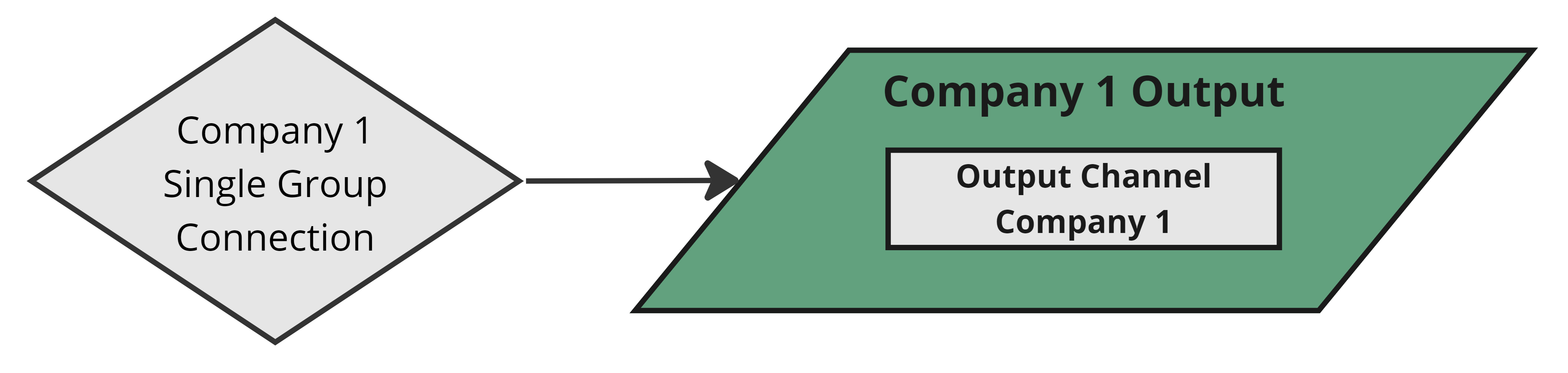
Like Source names, the connection name contains the Group ("Company 1") and a descriptor ("Single Group Connection"). We'll apply a Group and Name Template to configure it for Single Group behavior.
The Group
For information on creating and using Groups, refer to this page.
The Connection Name Template
A Connection Name Template has one field — Connection Name — which must contain ${GROUP} somewhere. DataForge replaces ${GROUP} with the Group name at clone time. The template for "Company 1 Single Group Connection" would look like the image below.
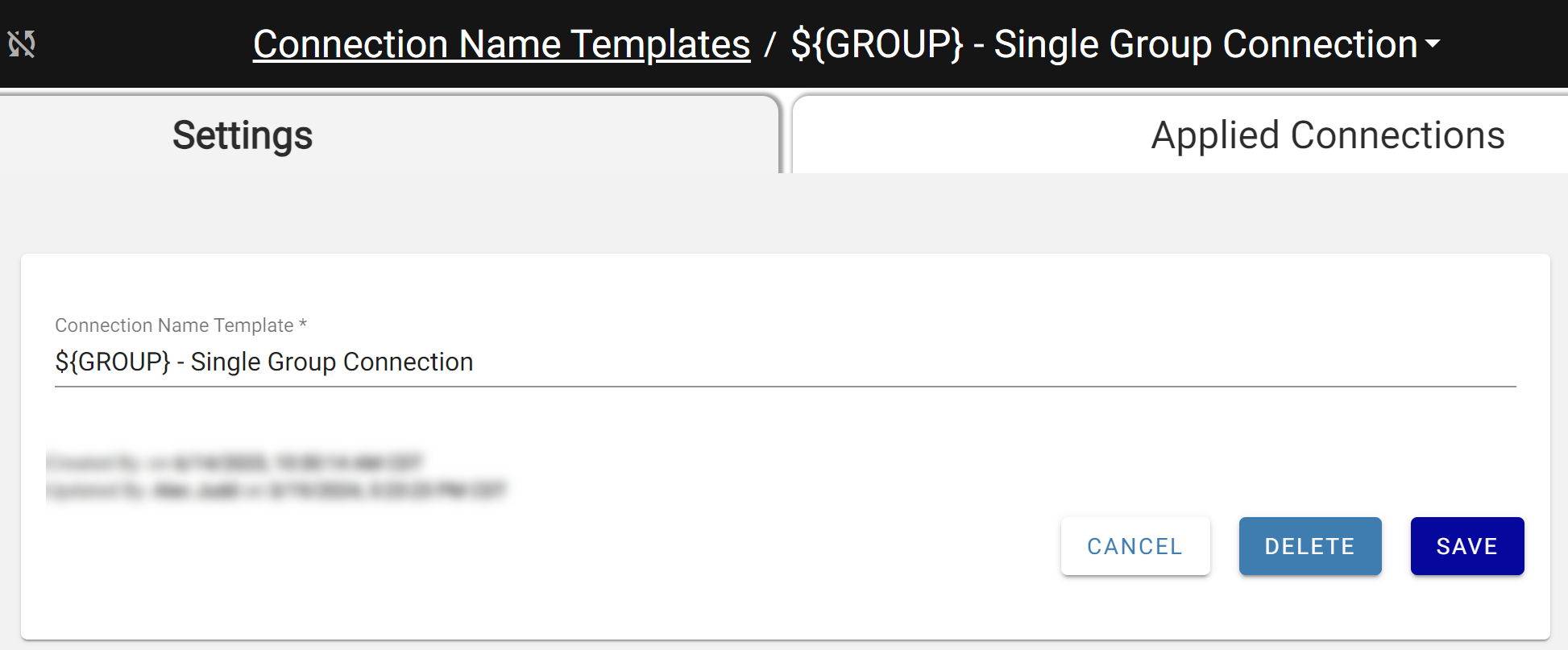
The Single Group Connection Template
Applying the Group & Template
Without a Group and Template, the connection behaves as Multi Group when cloned. Apply both from the dropdowns — the Connection Name becomes read-only and is calculated automatically.
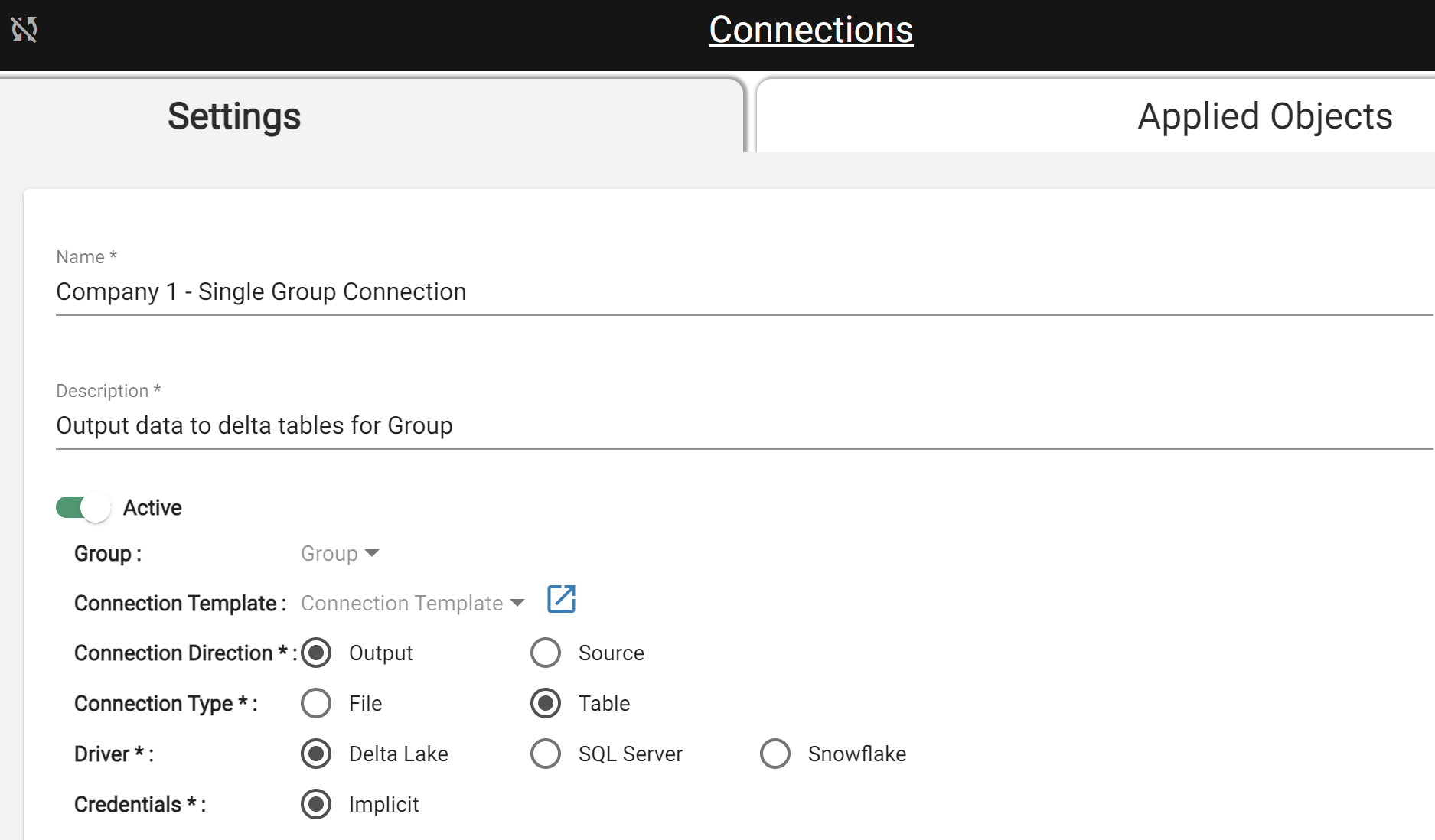
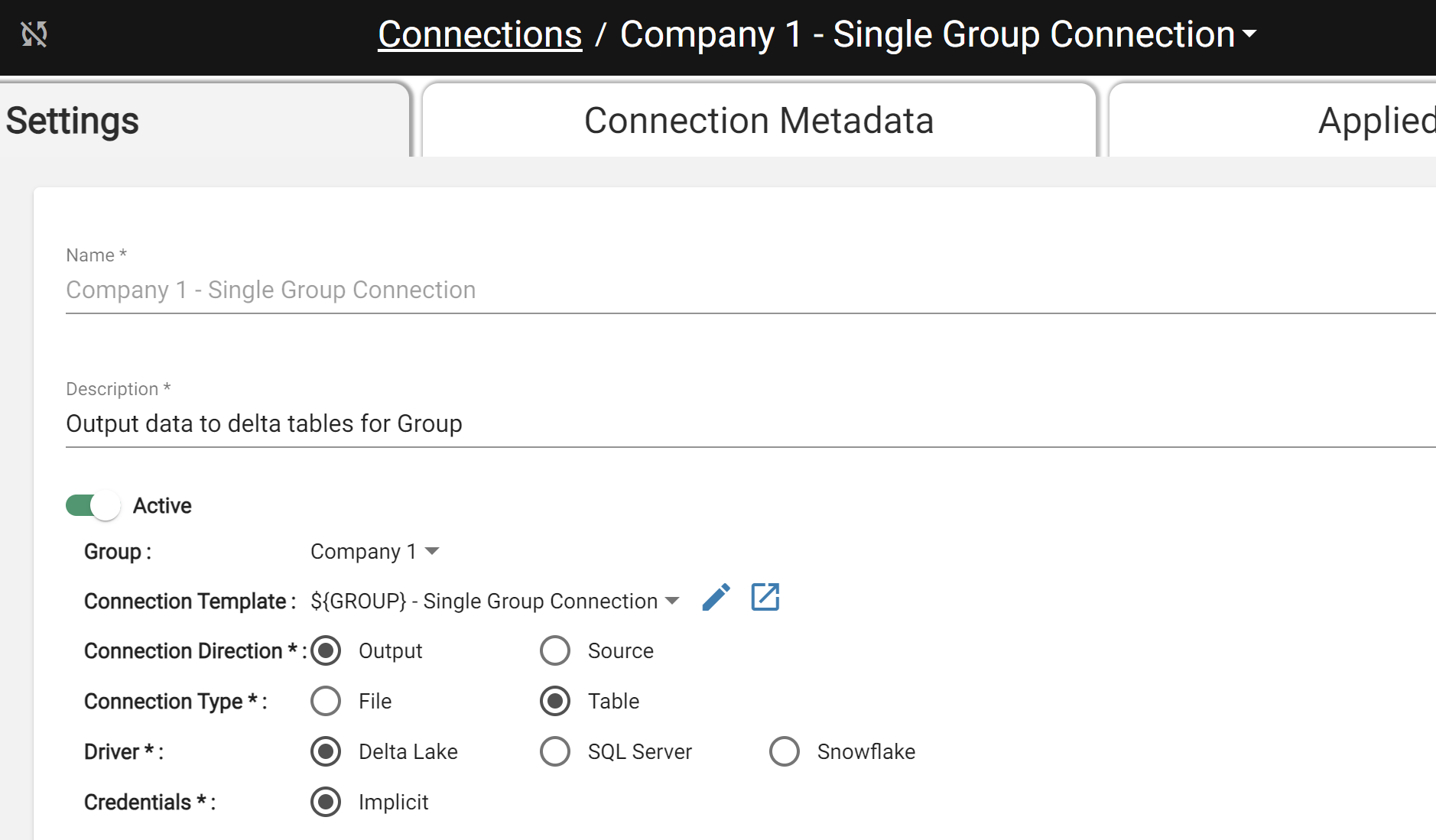
When Company 1 is cloned, a new Connection for the new Group is created (if it doesn't already exist). The next section performs the clone.
Notes
- A Grouped Connection must share a Group with all its Sources and Outputs. Mapping a Source from a different Group will cause an error.
- Connections work the same way for Sources as for Outputs: Single Group Connections create a new Connection on clone; Multi Group Connections reuse the existing one.