Global System Configurations
WARNING: Changes to these settings can have a severe impact to the platform and break functionality if set incorrectly. If you are unsure about making a change to any of these values, please reach out to DataForge support for assistance.
View and edit all system configuration parameters in the workspace.
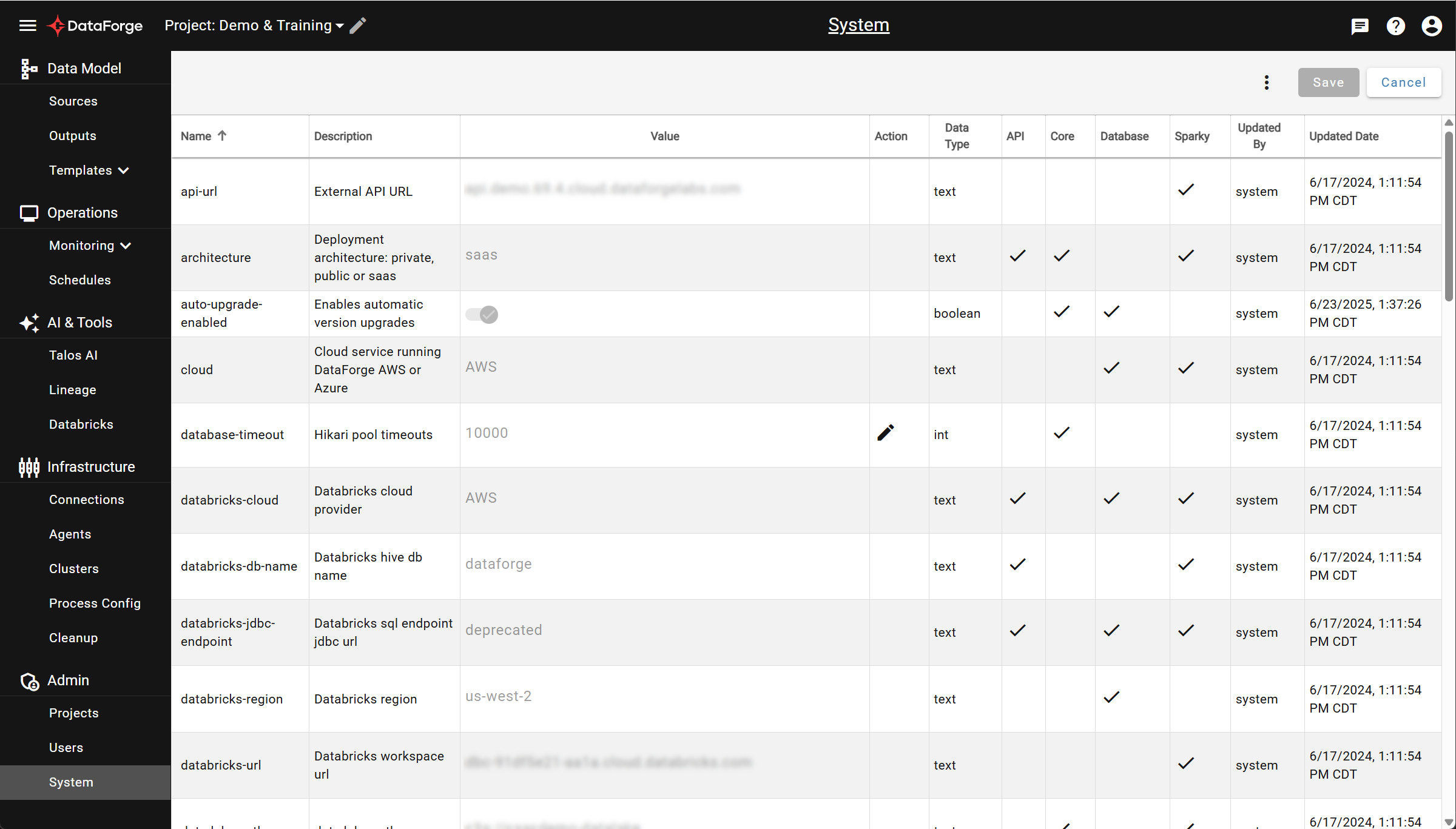
Click the edit icon in the Action column to enable editing for a configuration value.
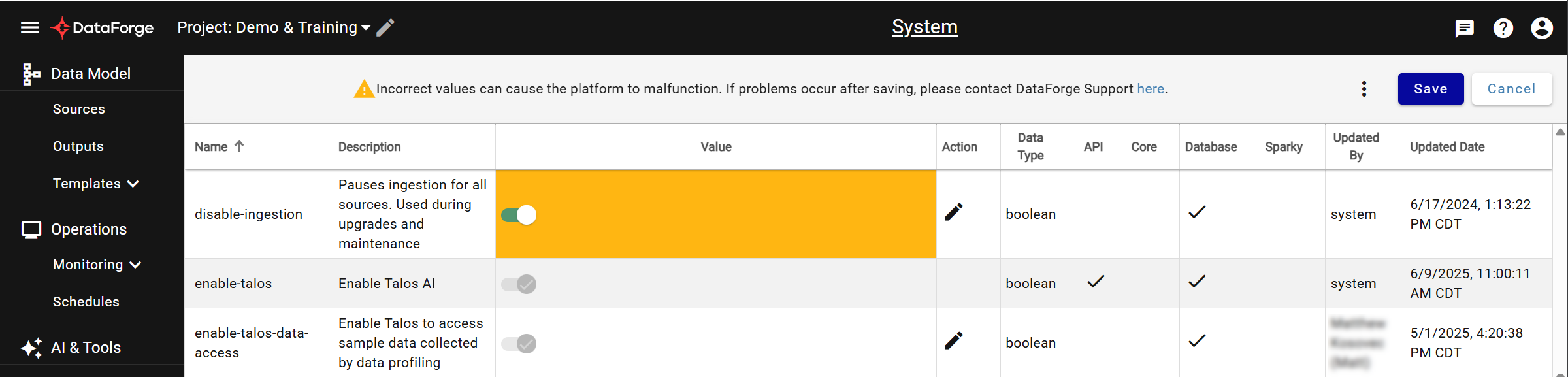
Edited values are highlighted orange; invalid entries show an error. Multiple configurations can be edited before saving. Click Save (upper right) to apply changes, or Cancel to undo all edits.
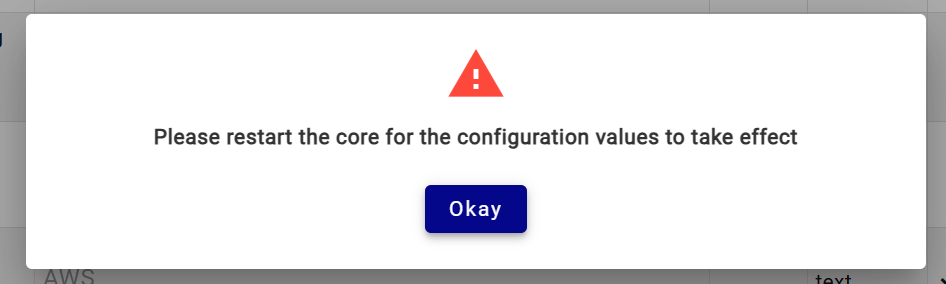
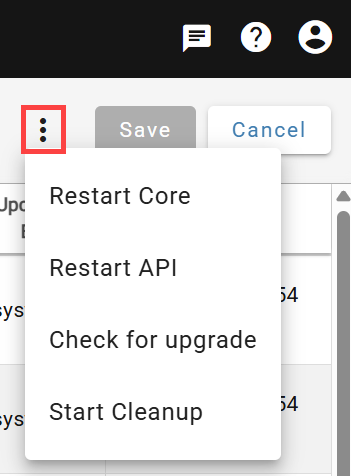
After saving, you may be prompted to restart Core/API services for changes to take effect. Services can be restarted from this screen via the triple-dot menu to the left of Save. The Cleanup Process can also be manually started from that menu.