Process Alerts - Configuring Amazon SNS Alerts
This feature is only supported in DataForge environments hosted in AWS
This guide assumes SNS topics are already created. For an SNS primer, see:
https://docs.aws.amazon.com/sns/latest/dg/sns-getting-started.html
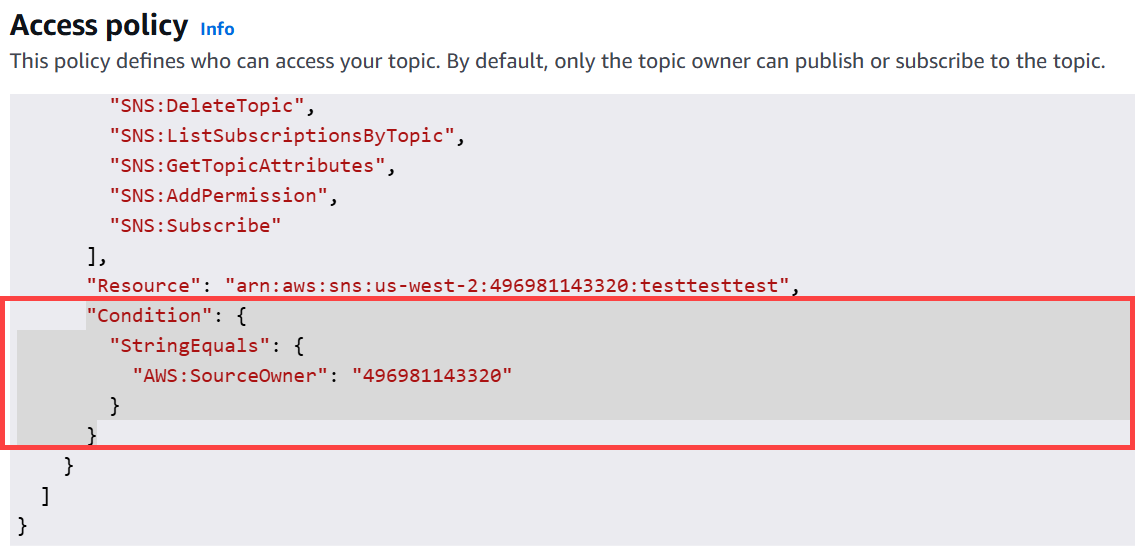
During or after SNS topic creation, be sure to remove the condition in the access policy so DataForge can publish to the topic.
Adding SNS topic ARNs to a Source
Open the Source's Alerts parameter block.
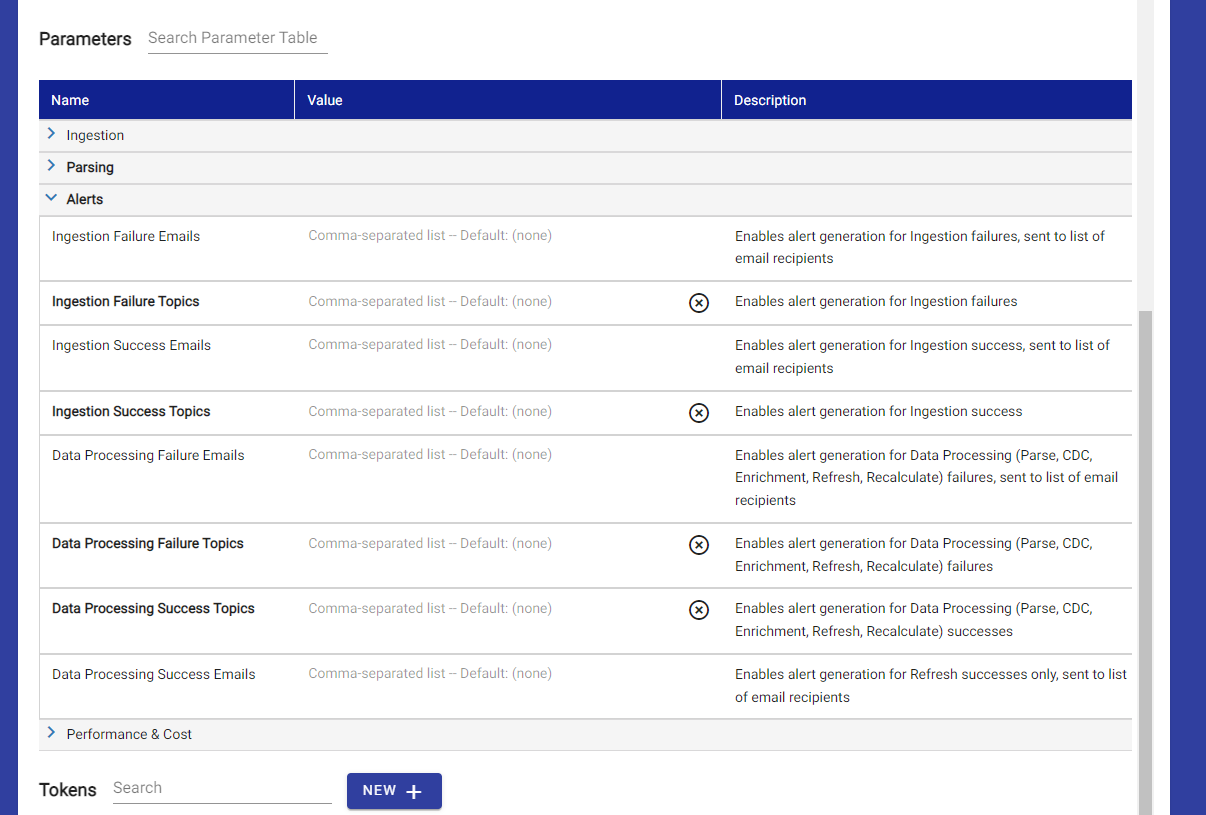
Add SNS topic ARN(s) to one or more alert types. The ARN is on the SNS topic settings page in the AWS console. Multiple ARNs can be comma-separated.
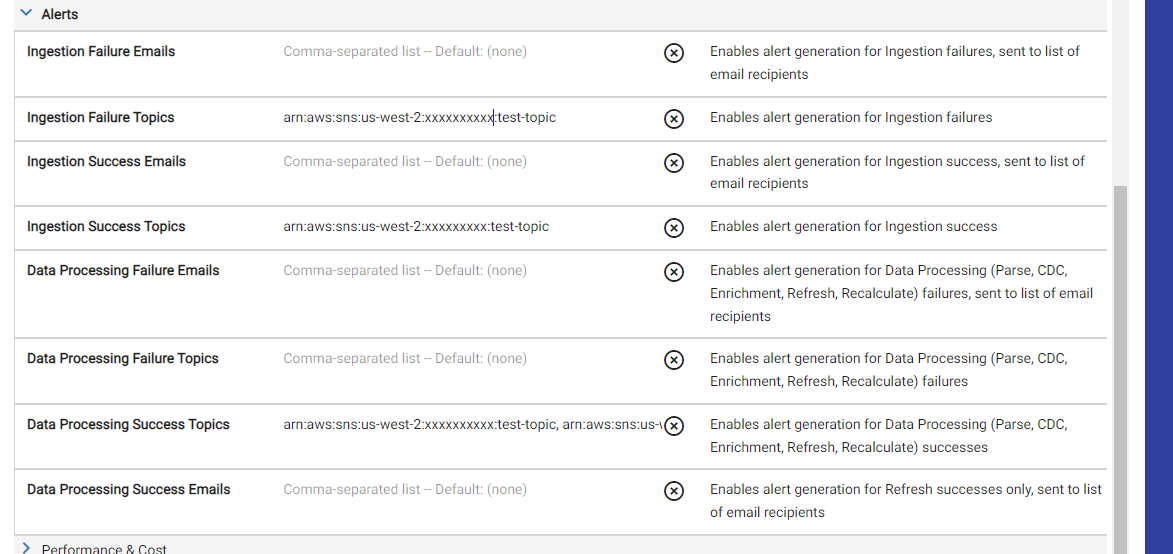
Once saved, the source will send messages to the SNS topic for configured steps.
Adding SNS topic ARNs to an Output
Open the Output's Output Alerts parameter block and configure topic ARNs the same way.