Custom Connections
Custom Connections allow you to store sensitive parameters and pass them into Custom Ingest and Parse notebooks. DataForge will encrypt and mask these parameters so that they are never visible in plain text to anyone using the platform. They are useful for storing credentials used to access data.
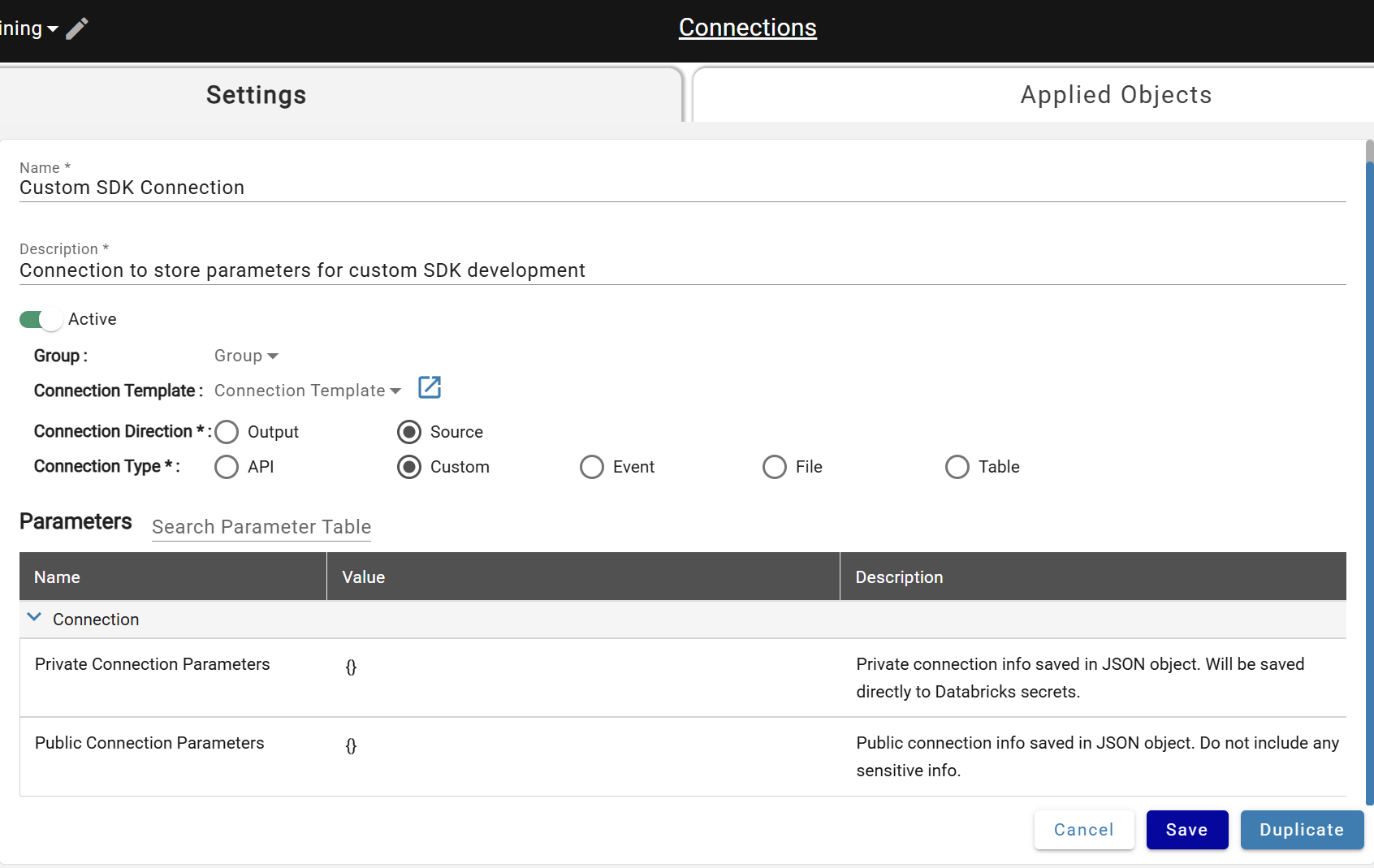
To create a Custom Connection:
- Navigate to the Connections tab and click New +
- Set Connection Direction to Source
- Set Connection Type to Custom
- Set Parameter values
- Click Save
Parameters
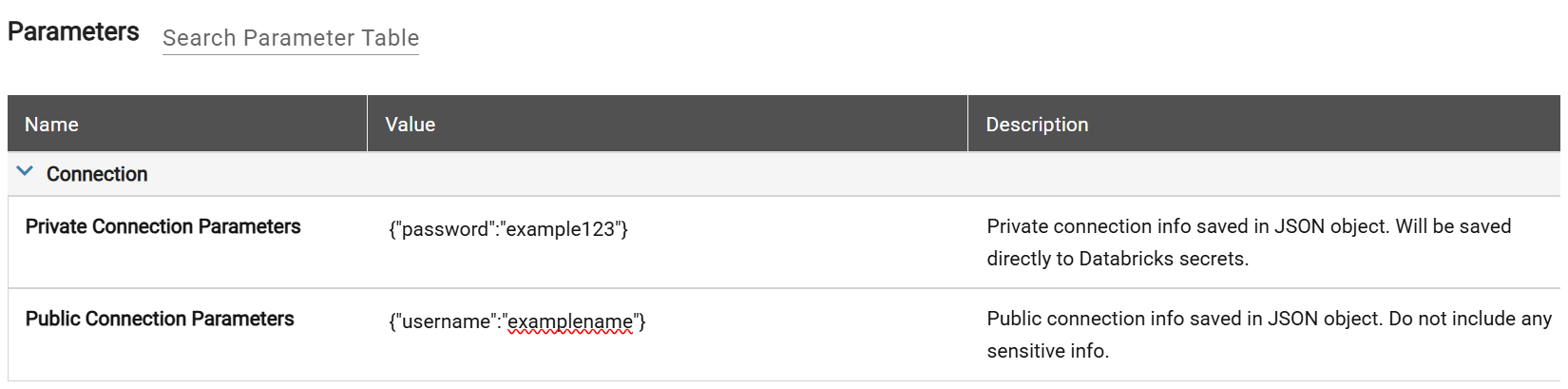
Custom connections provide settings for Public and Private parameters. The format of both parameters is JSON. Find more infomation about JSON standard here.
The Public Connection Parameters are stored unencrypted and visible to all users of DataForge. Never store a password or sensitive information here.
The Private Connection Parameters are stored encrypted and masked from DataForge users. Once they are saved, you'll have to retype the values if you ever want to update them. This is a good place to store credentials.
Saving the Connection
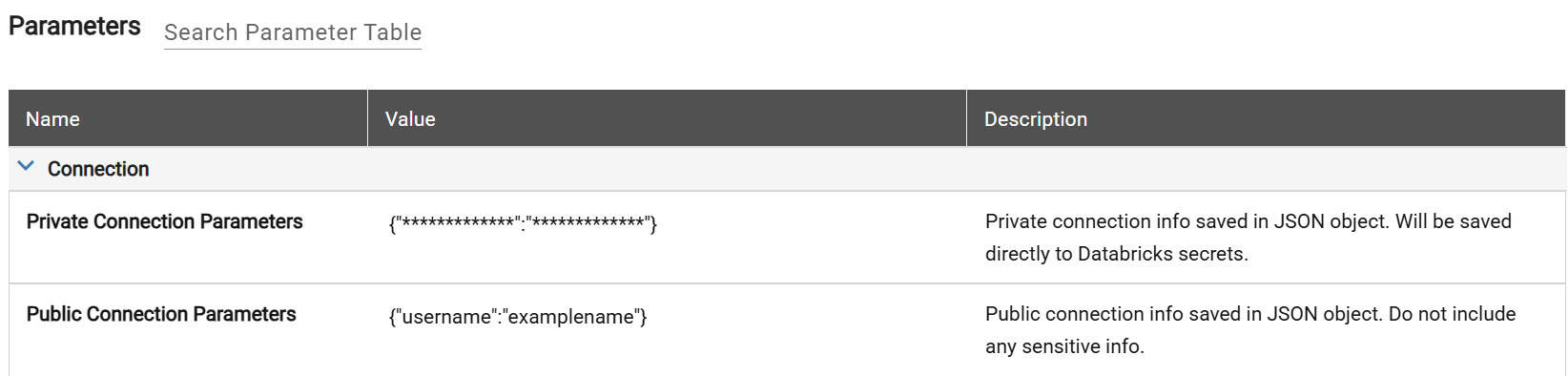
Clicking the Save button at the bottom of the page saves the Connection. Notice that the Public Parameters are still visible in plain text, but the Private Parameters are masked.
Using the Connection
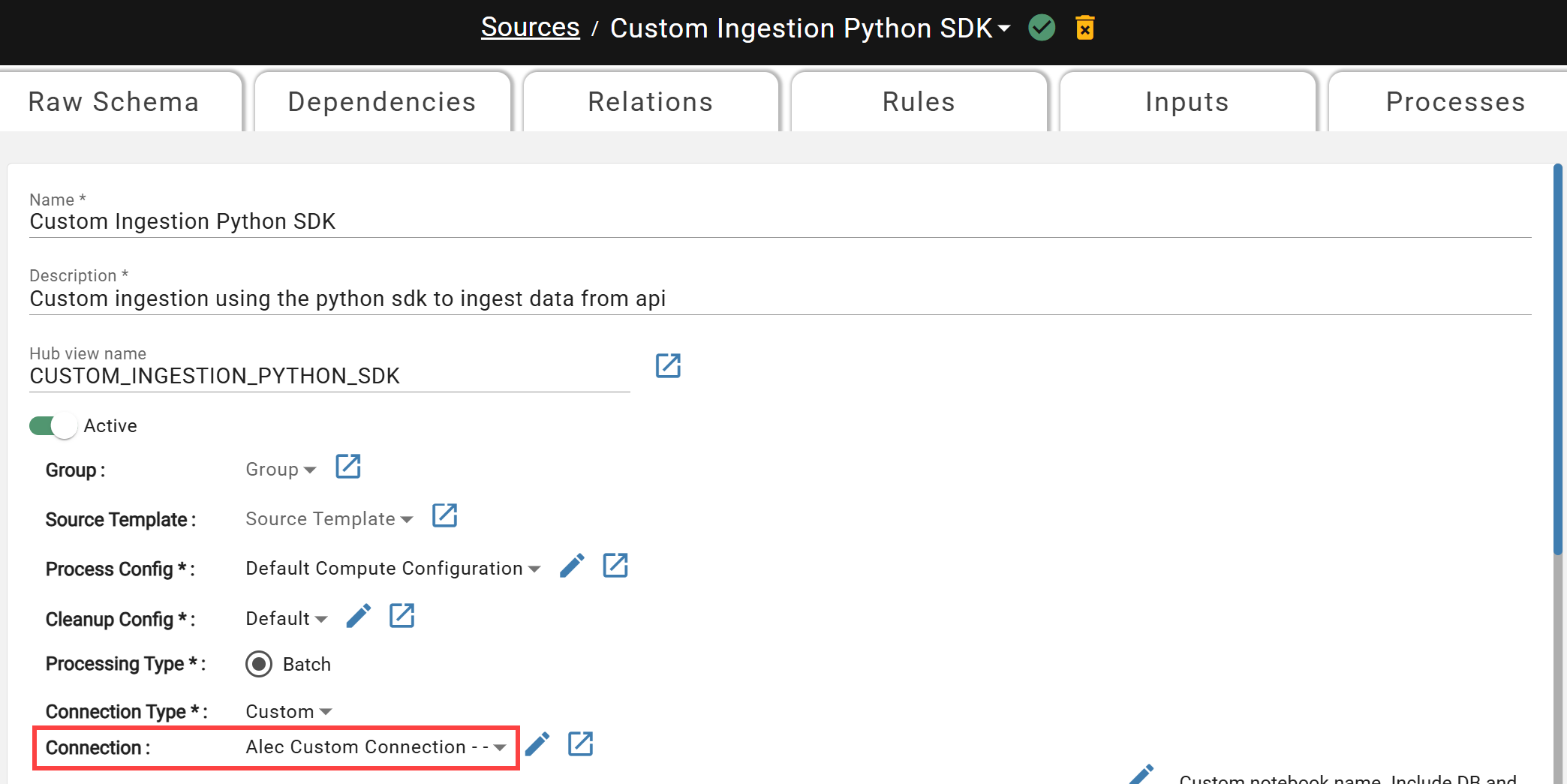
Attach the Custom Connection to your source to reference the connection parameters in your notebook.