Using Multiple Languages in a Databricks Notebook
Working With Multiple Languages
Custom processes require a DataForge SDK-supported language, but Databricks notebooks natively support Scala, Python, R, and SQL — all usable together. For example, you can run ML preprocessing in Python or R and then ingest the result into DataForge using Scala.
Begin each cell with the language magic command %<language>.
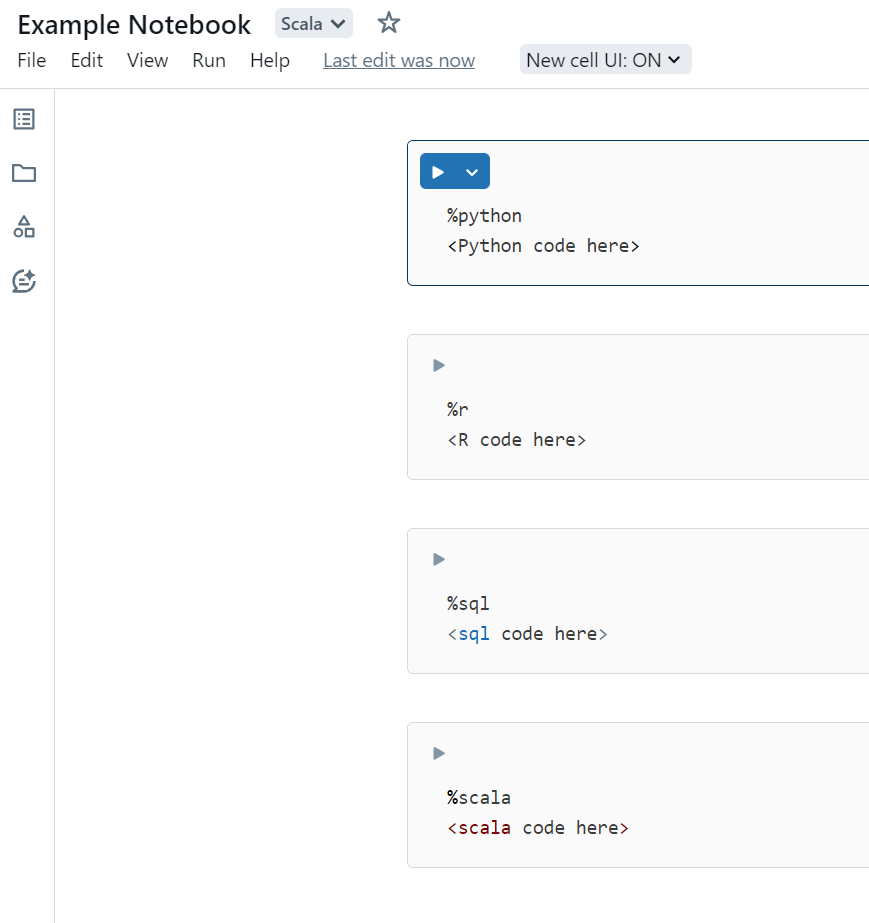
Reference data across languages using Temporary Views: create a GlobalTempView in one cell and read it with spark.table("global_temp.<name>") in the next.
Cell 1:
%python

#Creating a dataframe, Dataset would be referencing an existing dataset
pyDF = spark.createDataFrame(Dataset, schema)

#Turn dataframe into Temp View to use across languages
pyDF.createOrReplaceGlobalTempView('pyDF_temp')
Cell 2: