Configuring a Group Relation Template
In the Company 1 Example, the Relation between Company 1 Sales Order Header and Company 1 Sales Order Detail is an example of a Group Relation. When the user Clones the Company 1 Sources to make Company 2, they will want a new Relation to be created between the Company 2 Sales Order Header and the Company 2 Sales Order Detail Sources. See below for a visual example.
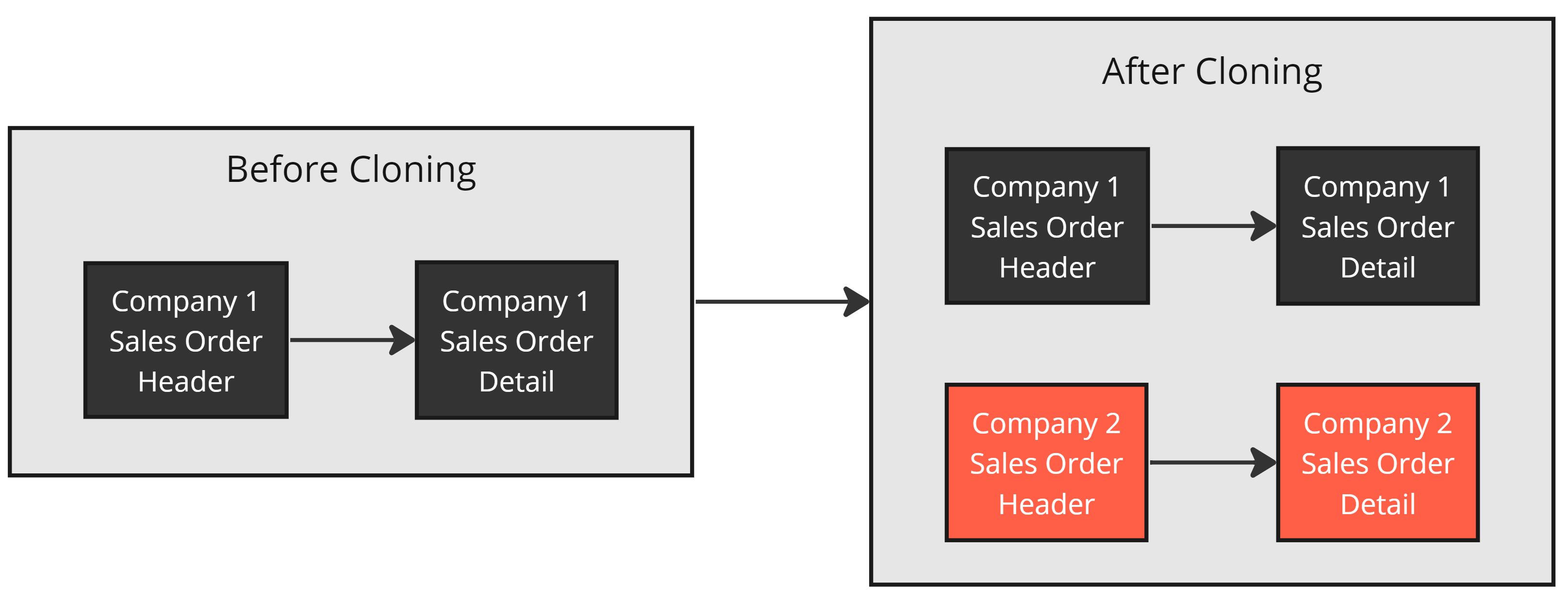 Desired Group Relation behavior when Cloning
Converting Existing Relations into Templates
This example creates a Relation Template from scratch. To convert an existing relation, open it, uncheck Primary if set, and click Convert to Template.
The Relation Template - Group Relation Style
Open Main Menu → Templates → Relation Templates. A Group Relation Template must be created from this page (not by converting an existing relation).
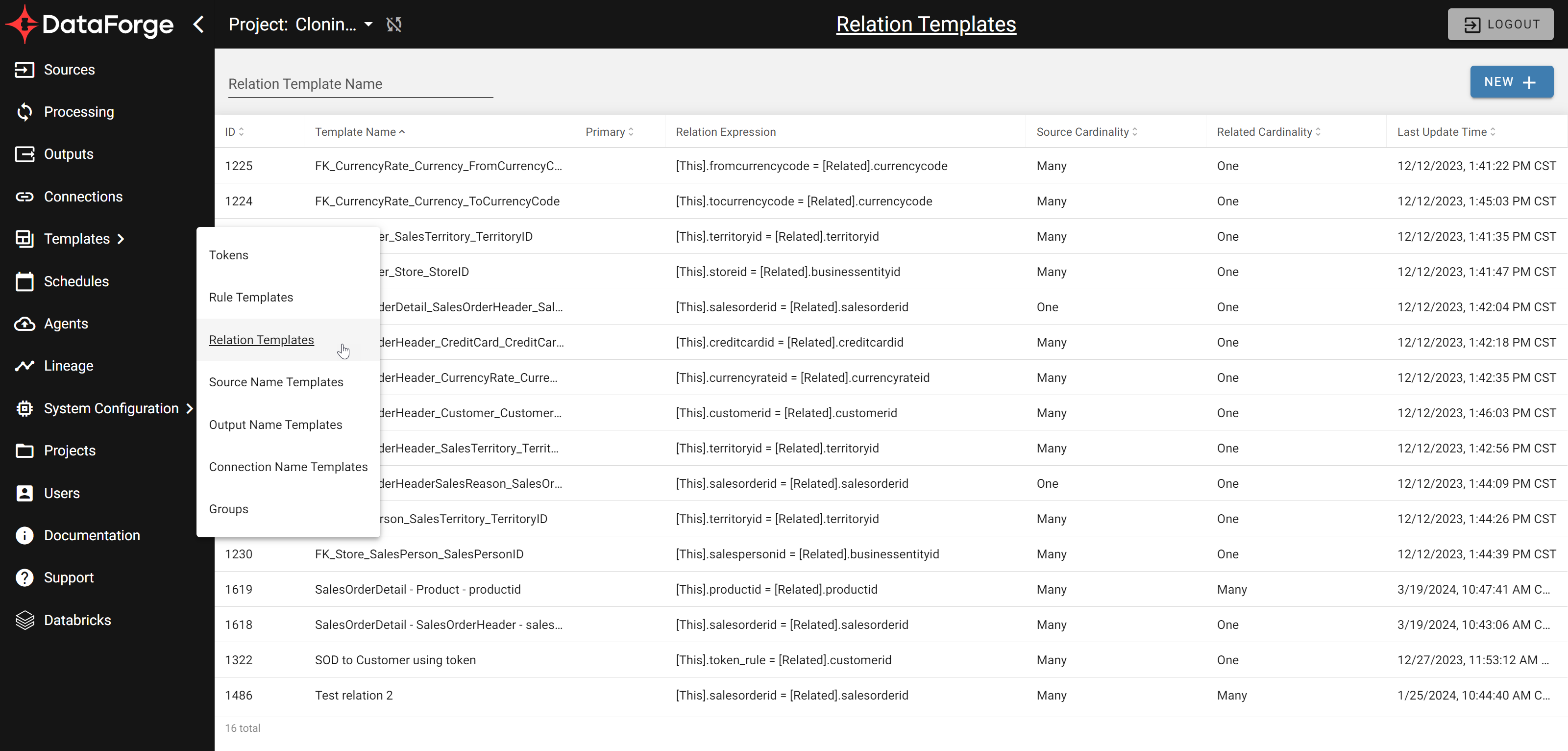
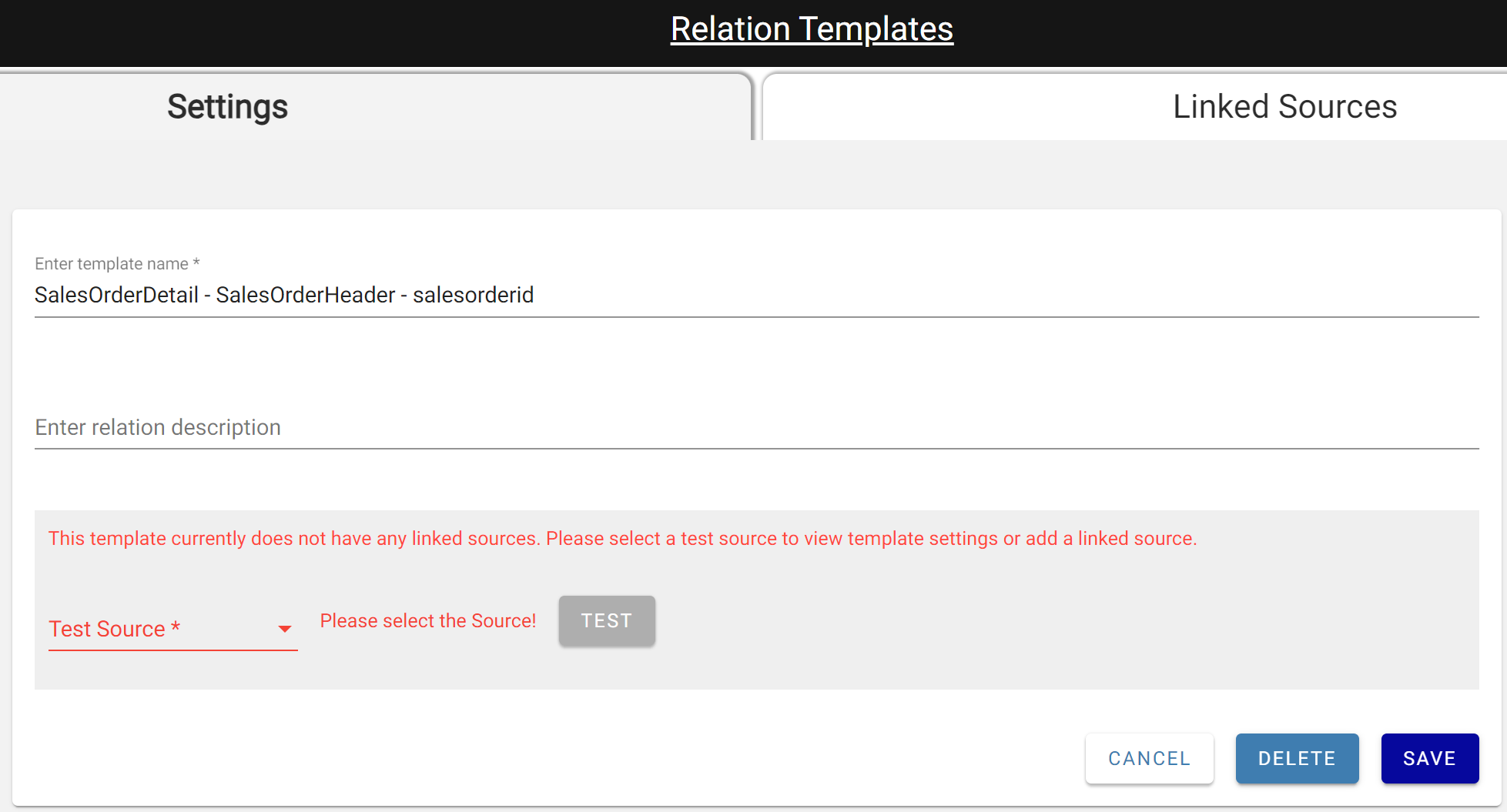
Click NEW +, enter a relation name, and choose a Test Source to open the full settings.
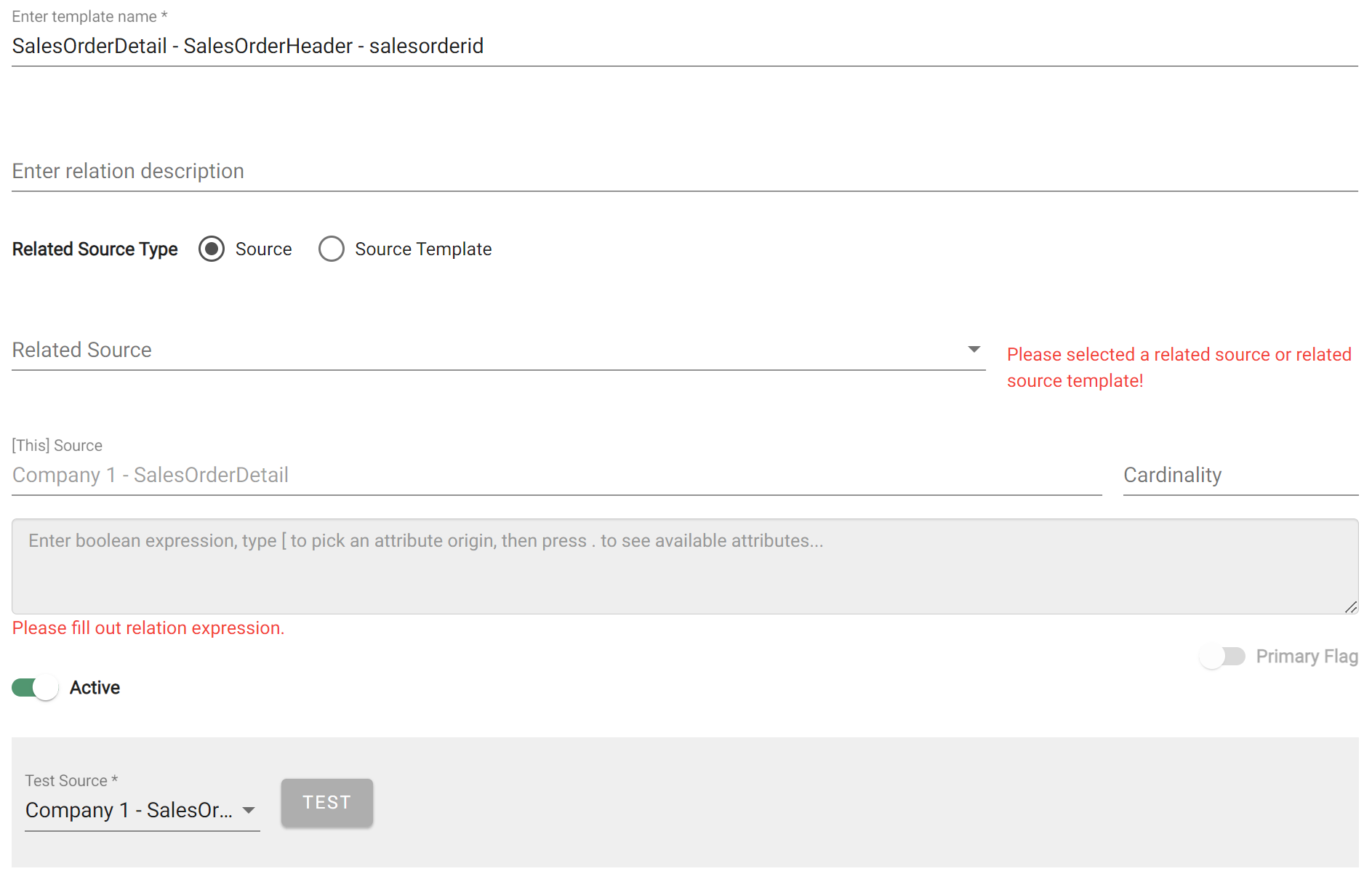
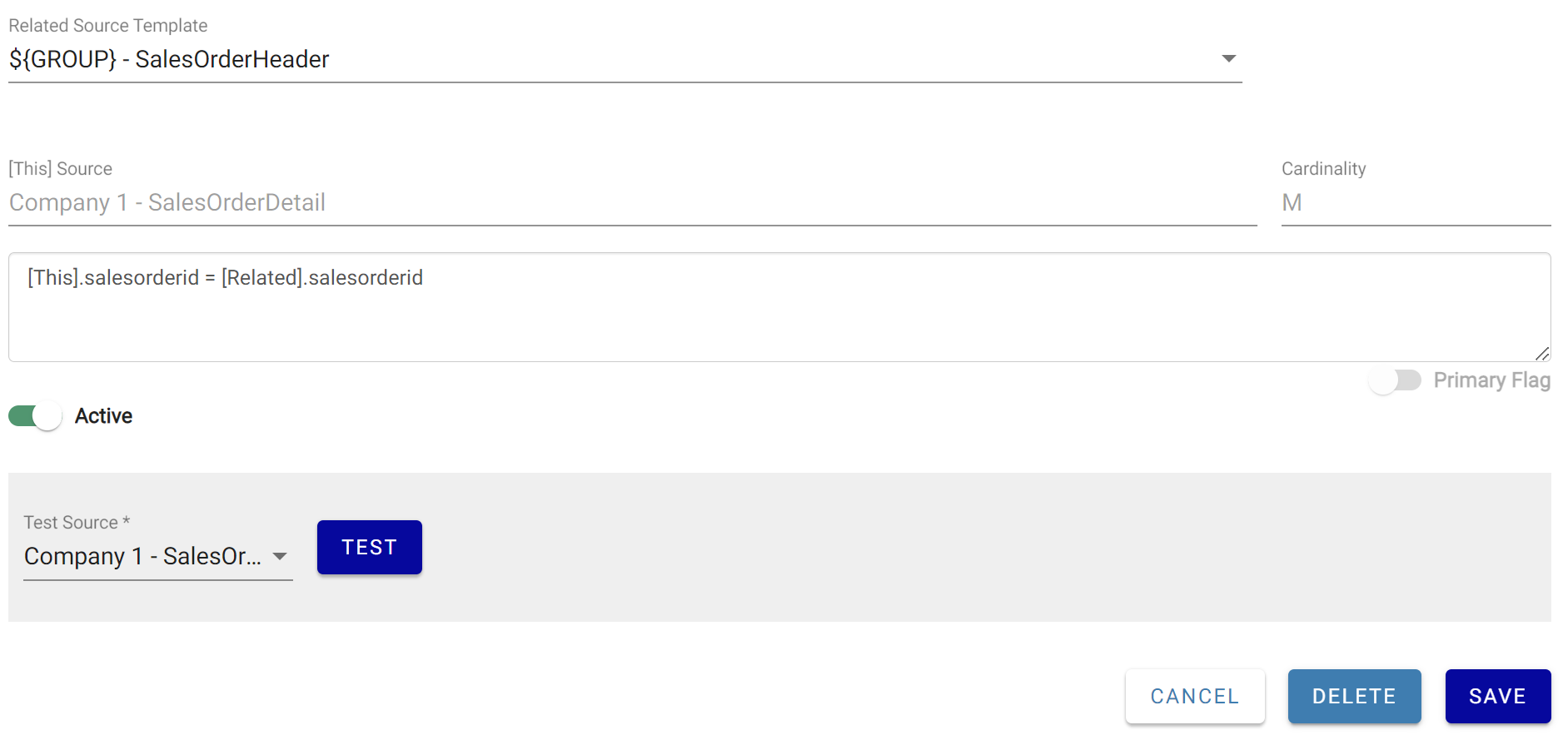
Set the Related Source Type toggle to Source Template. This tells DataForge to relate each Source to the Source within the same Group that uses the listed Source Template — so Company 1 Sales Order Header relates to Company 1 Sales Order Detail, and Company 2 to Company 2. The Related Source dropdown shows source templates (e.g. ${GROUP} - SalesOrderHeader) instead of specific sources.
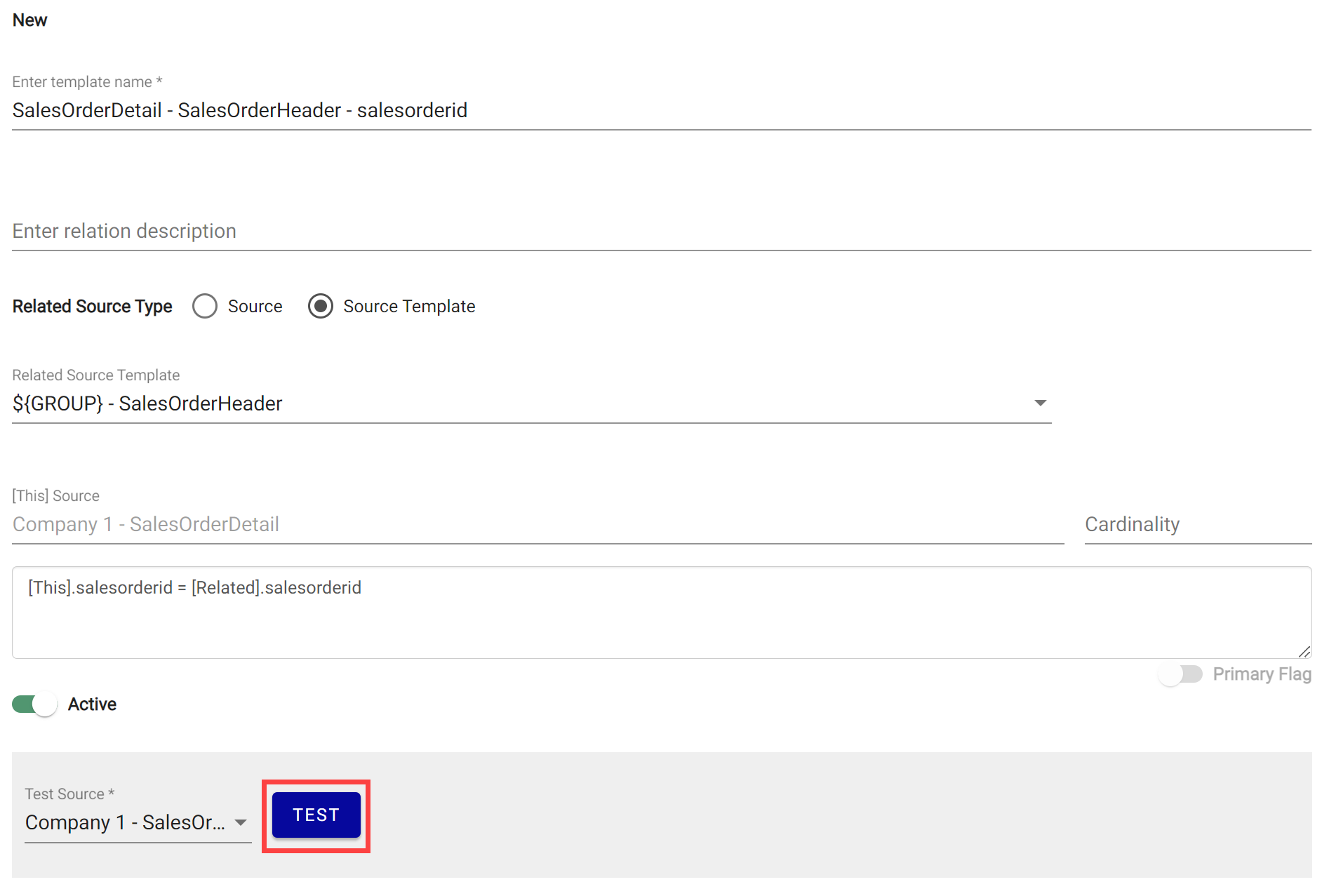
Enter the Relation Expression and click Test. Fix any errors and retest until successful, then Save.
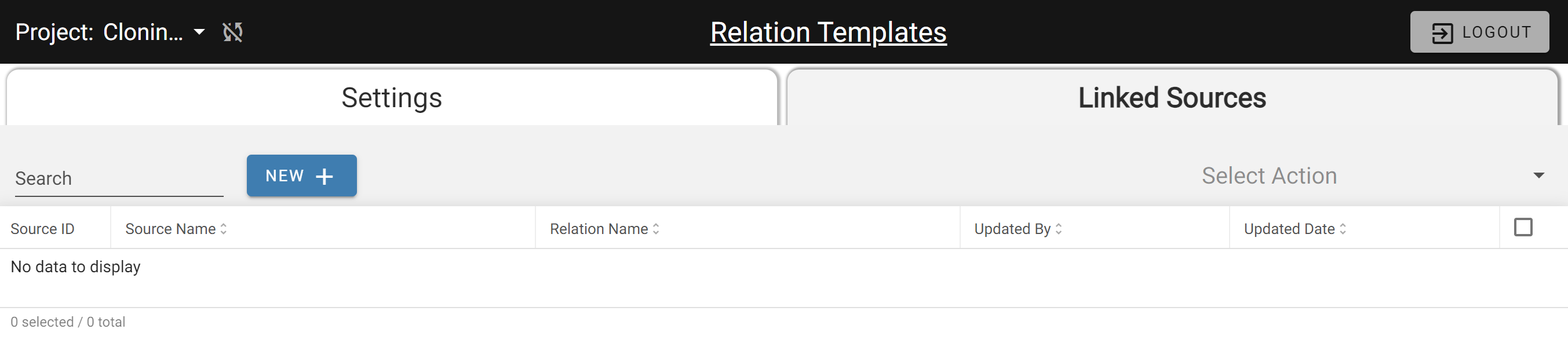
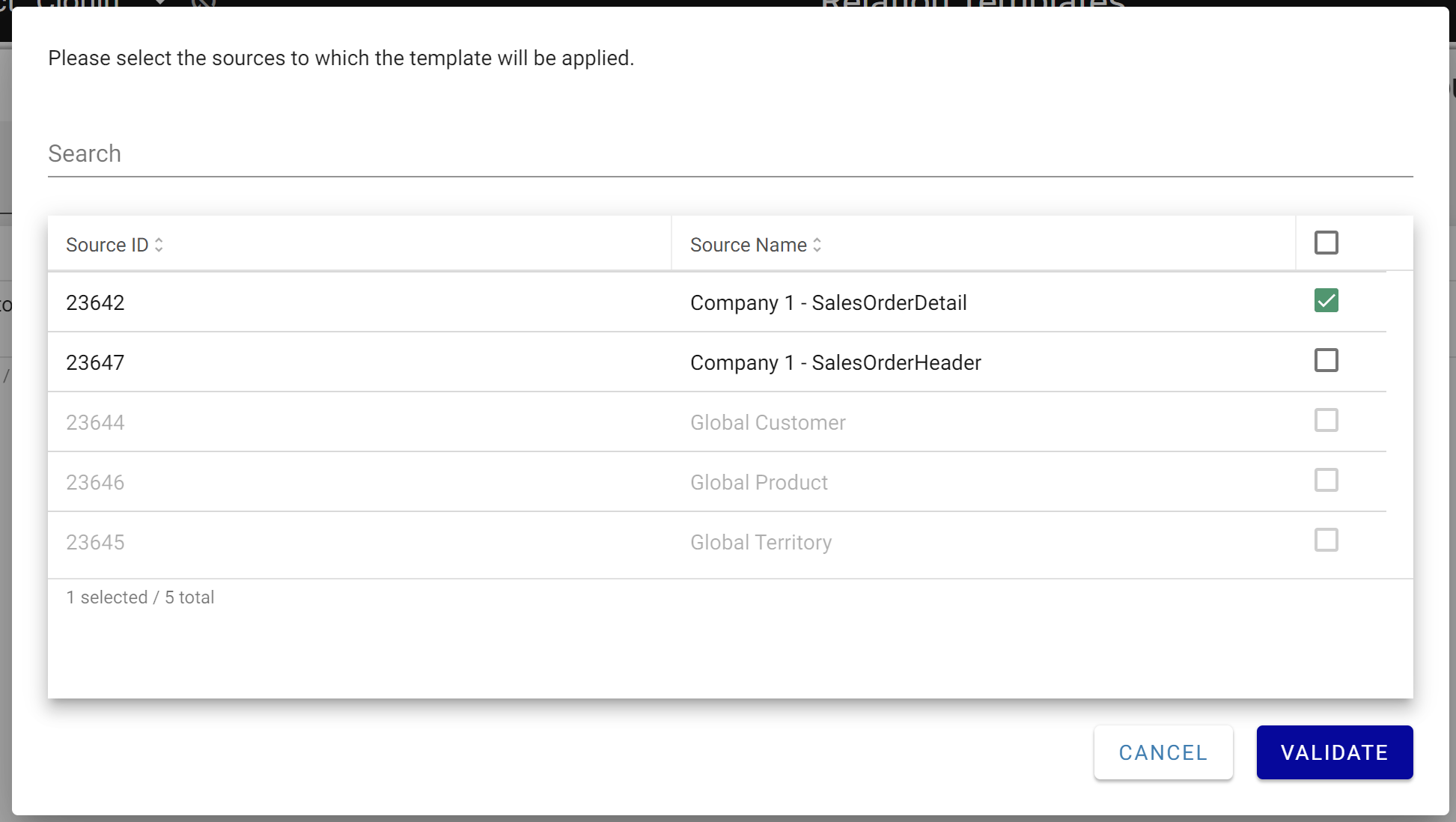
Open the Linked Sources tab, click NEW +, select the sources to apply the template to, and click Validate.
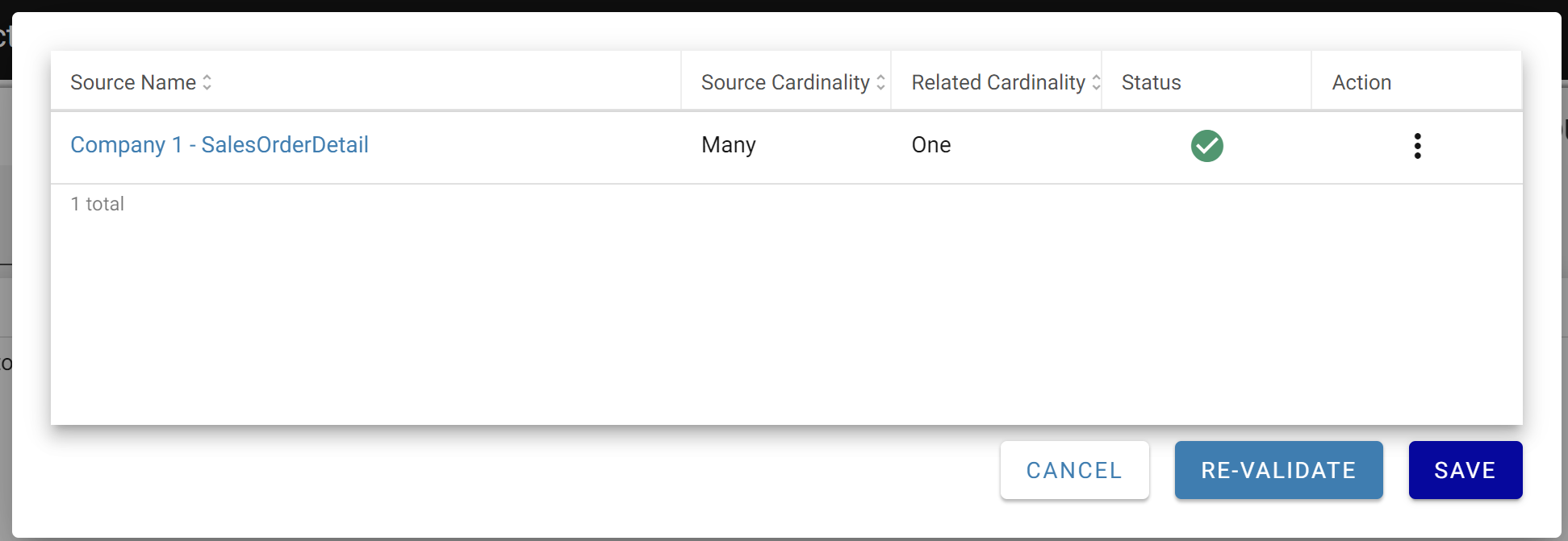
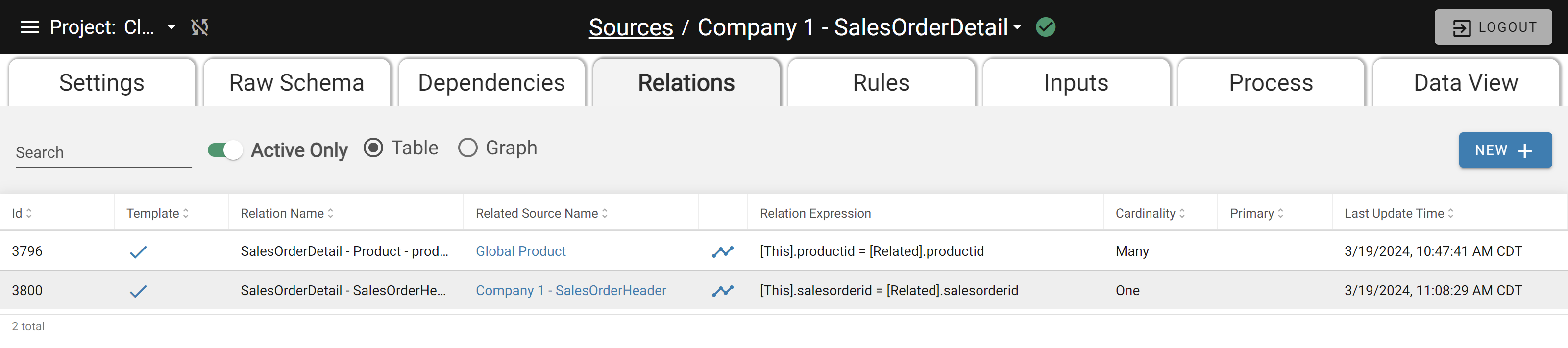
The Relation Template is now configured for Group Relation behavior during cloning.